


Still building tutoring invoices by hand every month? Send them all in 1 click.
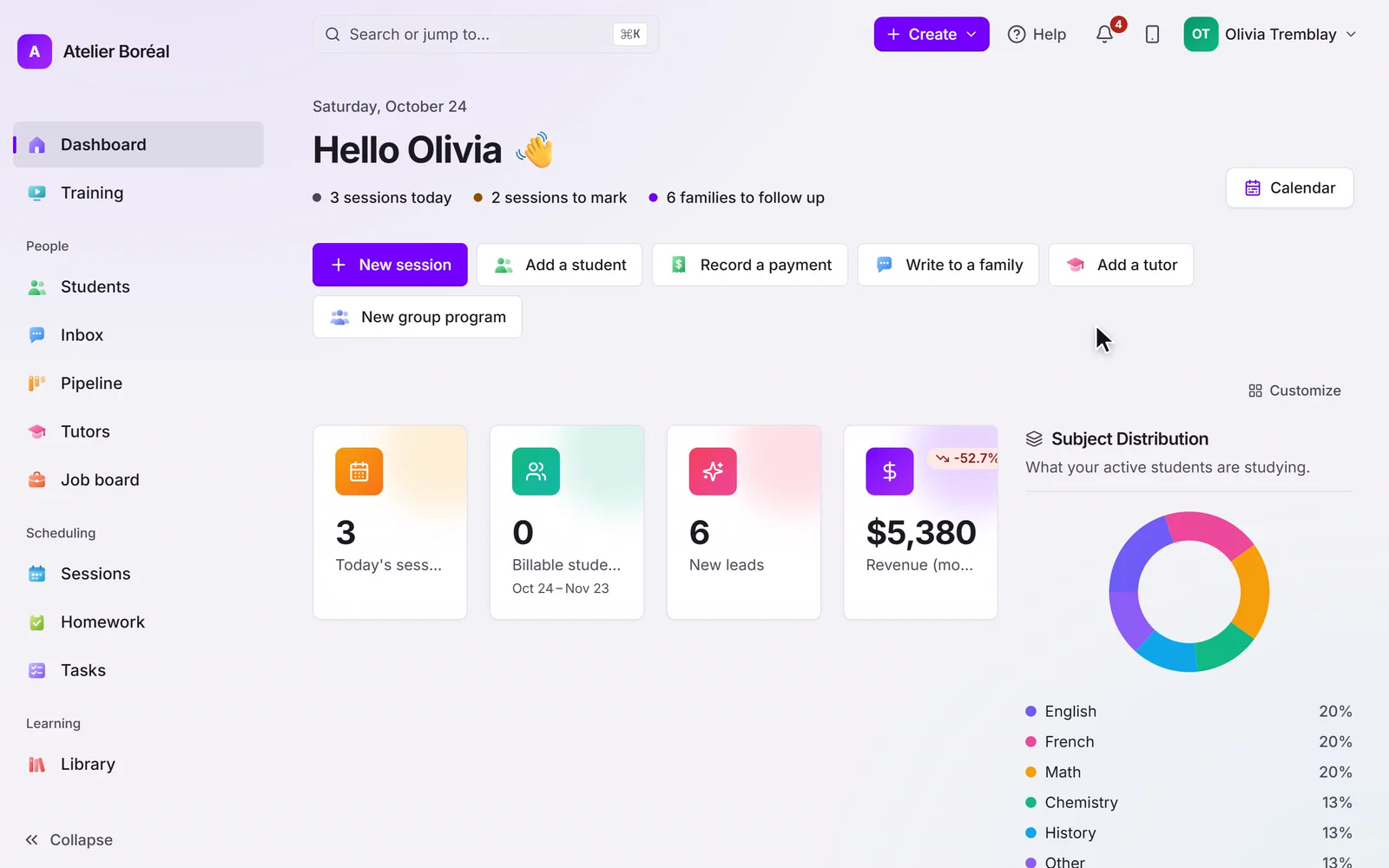
Each family’s invoice builds itself from the lessons taught, one line per lesson with its date, and you see everything before it goes out.
Some of our centres
 Centre de Francisation et de Tutorat au Québec
 Coeur de Tuteur
 Lingua Franca Institute
 Mentors Éducation
 OnCourse Education
 Top Tutorat
 Tuteur Match
 Tutorat au Top
It’s the end of the month. You’re rebuilding invoices again.
You know the routine: open the calendar, count each family’s lessons, take out the cancellations, remember the sibling discount, type it all into an invoice, send it, then start the next family. It takes an evening you don’t have, and one missed lesson turns into an awkward email later.
34 / 172
34 of the 172 public complaints we read about tutoring software are about this.
Three of those complaints, in our words. Each link goes to the source.
Every month she feels she has to relearn how to build her invoices, and some payments are still recorded by hand.
Charges weren’t tied to the lessons actually taken, so staff still checked every student by hand.
Lesson packages are hard to apply to the right lessons, and payments land on lessons from years ago.
Here’s how Pillar OS handles it
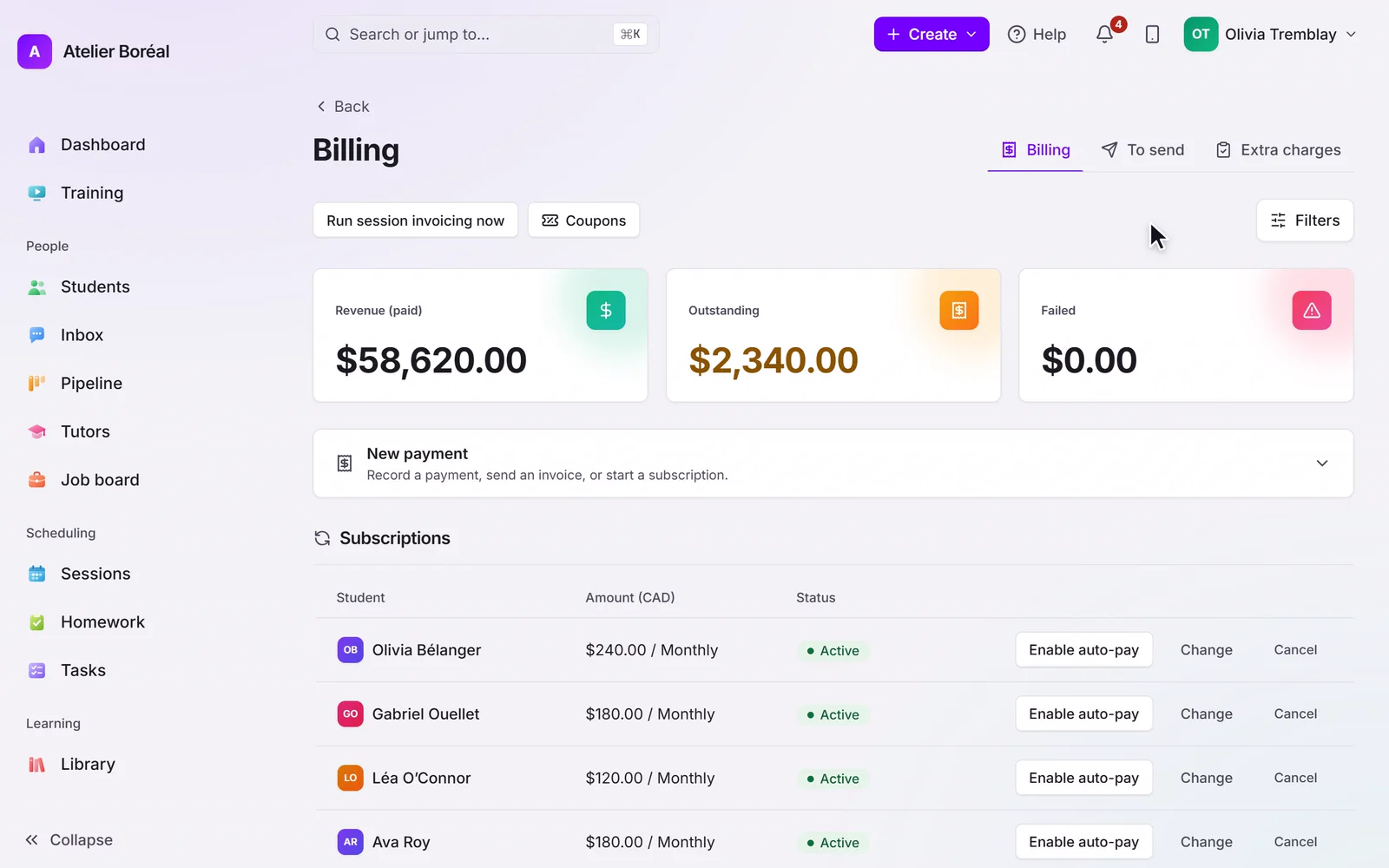
Invoices are built from the lessons themselves: each line says which lesson and which dates. A family is billed before or after, weekly or monthly, as you set it, and on billing day each family gets one invoice for everything due. Before anything leaves, the To send list shows what goes out and when: Send now, or Send all now.
Where it is in Pillar OS
- Billing › To send
- Send now
- Send all now
- Settings › Billing rules
What Pillar OS doesn’t do yet
One child’s fee can’t be split between two separated parents yet: each parent gets their own invoice only when each is set up as a separate payer.
Good to know
Can I check invoices before they go out?
Yes. The To send list shows every invoice waiting to go out and the day it will. Send one now, send them all now, or let them go on their day.
How much does Pillar OS cost?
One fee set by your active students, in Canadian dollars: $35 a month for up to 50, then by band up to $599 at 1,000. No fee per tutor, per lesson or per family login, and no share of your revenue. Texting, AI use, extra storage, a website, extra locations and the GoHighLevel connection are billed separately, only if you use them.
We use other software or spreadsheets today. How do we move?
On a setup call, we bring your students, families and tutors over from your export or your spreadsheets and book your first sessions with you. Past lessons and invoices stay in your old system’s export, so keep it.
Does it work in French?
Yes. The whole product runs in French or English, for your team and for each family in its own language. GST and QST are calculated on the invoice.
Keep reading on this
Tutoring invoice template: one line per session
A tutoring invoice template built from the sessions you taught, a month-end routine in four steps, and when tutoring is exempt from GST and QST in Canada.

Tutor invoicing and billing for a tutoring business
Where tutoring centre billing leaks money, what a cancelled package owes back in Quebec, what invoices must show, and what an invoicing system must do.
Get your centre running with us, in one call.
About 45 minutes: we load your students and book your first sessions together, in English or French.
