


Tutoring software that took months to set up? Set up Pillar in 1 sitting.
One question per screen, and if you’re leaving another system, we move your students, families and tutors over for you.
Some of our centres
 Centre de Francisation et de Tutorat au Québec
 Coeur de Tuteur
 Lingua Franca Institute
 Mentors Éducation
 OnCourse Education
 Top Tutorat
 Tuteur Match
 Tutorat au Top
You bought software to save time. Setting it up took months.
Most tools hand you a login and a help centre. Then you spend your evenings matching columns and guessing what each setting does, while the old system keeps running beside it. Some owners end up paying for outside help just to get started.
26 / 172
26 of the 172 public complaints we read about tutoring software are about this.
Three of those complaints, in our words. Each link goes to the source.
Moving onto the software took three months and more than $2,000 of outside help before they could use it.
Too technical for someone who runs the business every day: layers of screens to finish one task.
A tutoring centre owner needed repeated support calls and many mistakes to get it working, and still can’t use much of it.
Here’s how Pillar OS handles it
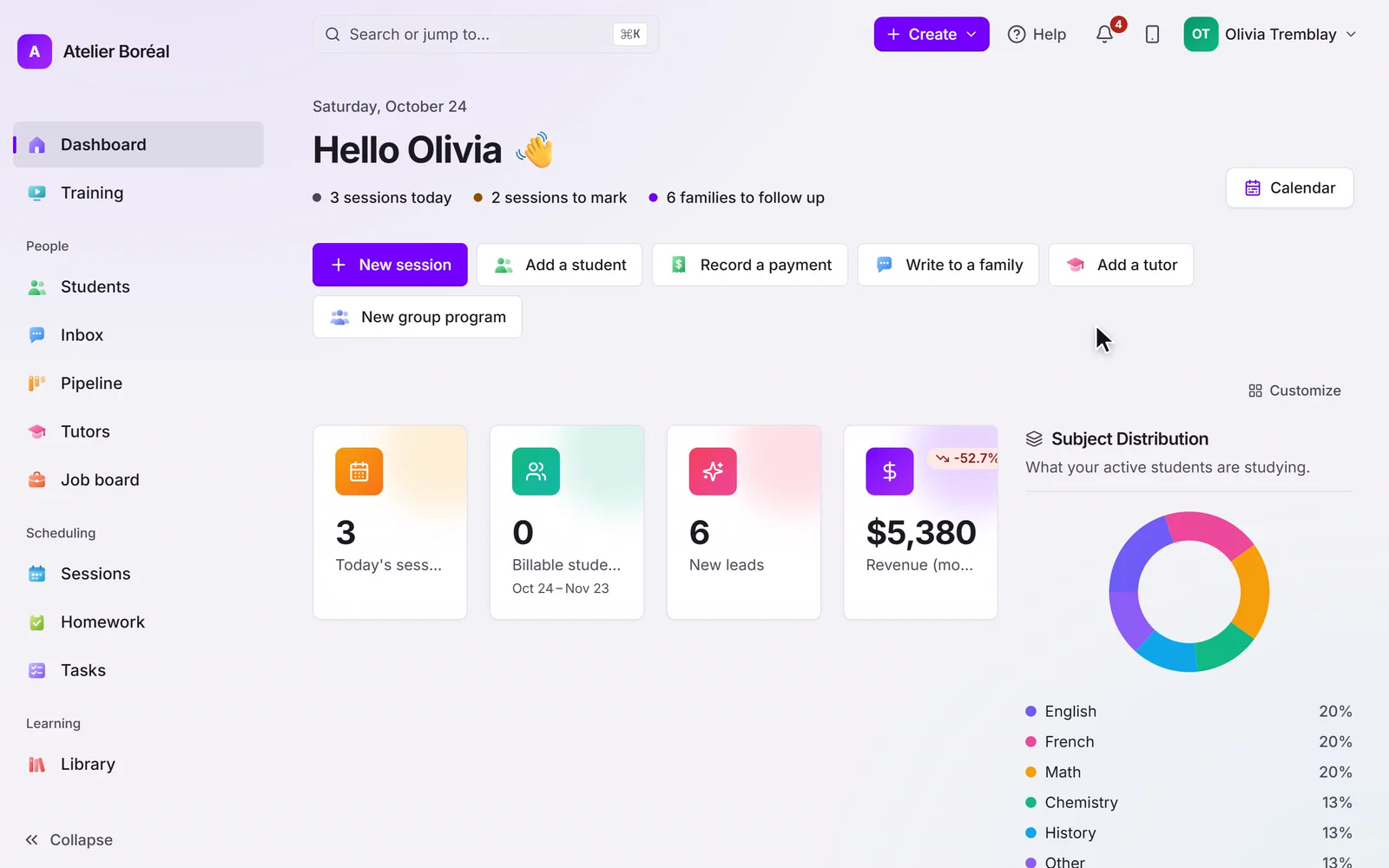
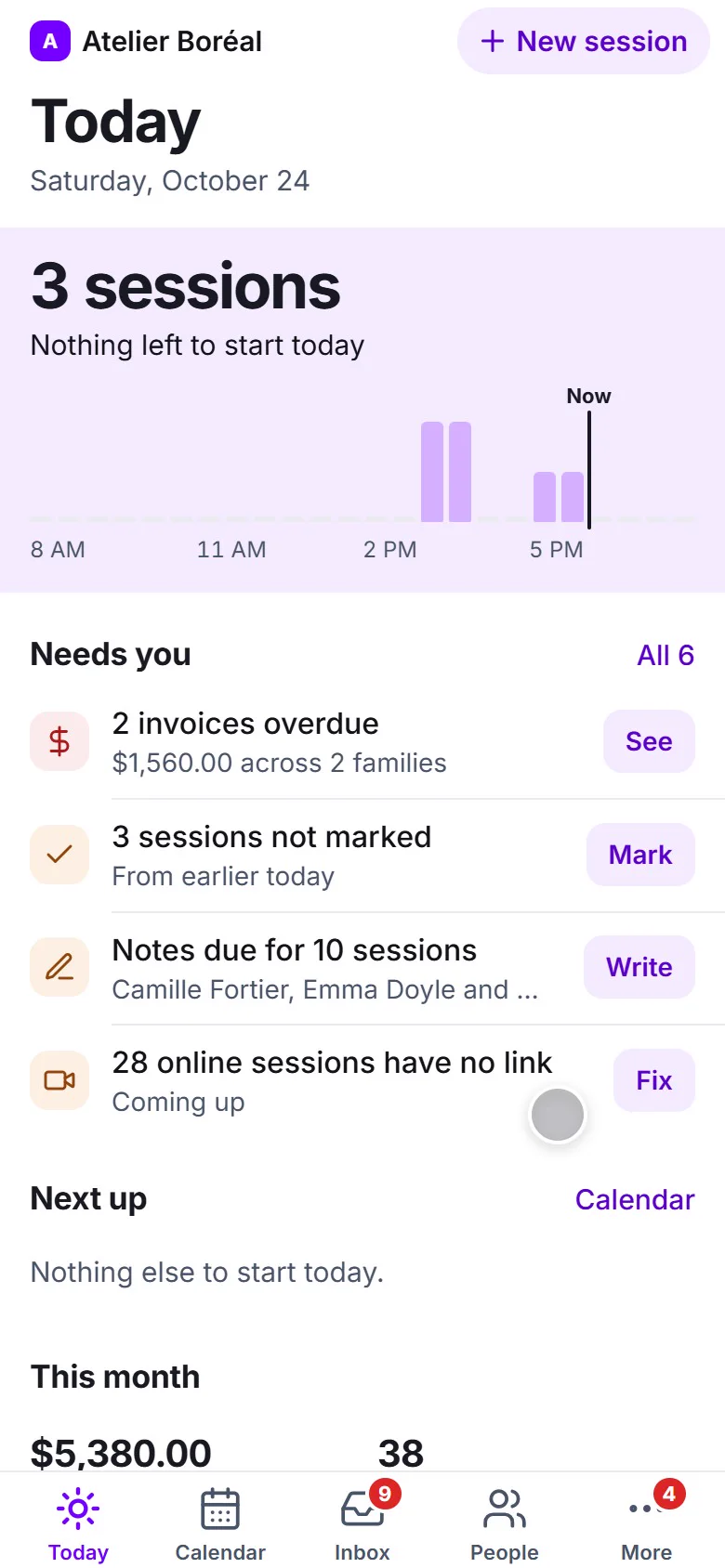
A new centre is set up in one sitting: one question per screen, with what families will see shown beside each answer. Students come in from a spreadsheet, and if you’re leaving another system, we bring your students, families and tutors over for you. On the setup call, we load your students and book your first sessions together.
Where it is in Pillar OS
- Import students
What Pillar OS doesn’t do yet
Your students, families and tutors move over. Past lessons, invoices and notes don’t, so keep your old system’s export for your records.
Good to know
How long is the setup call?
Plan 45 minutes, from a computer, with your student list ready: a spreadsheet or an export from your current system.
How much does Pillar OS cost?
One fee set by your active students, in Canadian dollars: $35 a month for up to 50, then by band up to $599 at 1,000. No fee per tutor, per lesson or per family login, and no share of your revenue. Texting, AI use, extra storage, a website, extra locations and the GoHighLevel connection are billed separately, only if you use them.
We use other software or spreadsheets today. How do we move?
On a setup call, we bring your students, families and tutors over from your export or your spreadsheets and book your first sessions with you. Past lessons and invoices stay in your old system’s export, so keep it.
Does it work in French?
Yes. The whole product runs in French or English, for your team and for each family in its own language. GST and QST are calculated on the invoice.
Get your centre running with us, in one call.
About 45 minutes: we load your students and book your first sessions together, in English or French.
