
Tutoring done with love
Tutoring centre software for scheduling, billing, tutor pay and family updates, all in one place. In English and French.
Some of our centres
 Centre de Francisation et de Tutorat au Québec
 Coeur de Tuteur
 Lingua Franca Institute
 Mentors Éducation
 OnCourse Education
 Top Tutorat
 Tuteur Match
 Tutorat au Top
- Built in Québec
- English and French
- GST and QST on every invoice
- Law 25 in mind
Ten tools.
One of you.
If you can't handle the business stress anymore, keep scrolling.
Tap what keeps you up at night.
Pick as many as you like. Each one moves to the front of your plan.
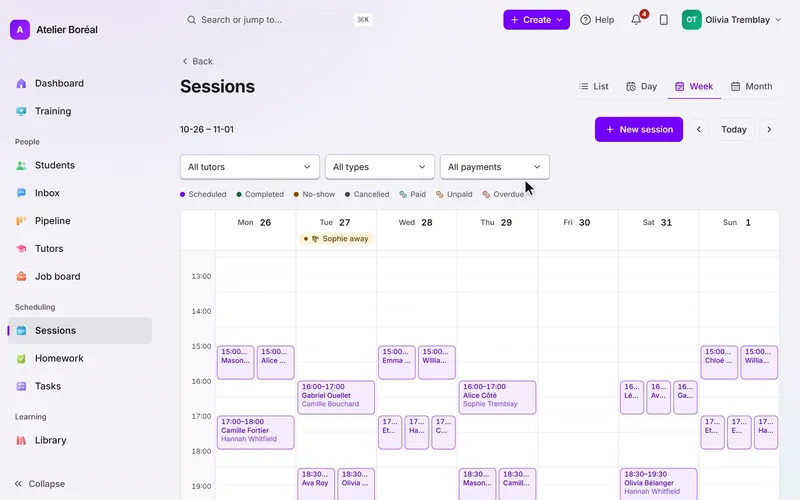
No session is ever booked twice.
The calendar refuses an overlap before it saves, and only offers the hours each tutor said they can teach.
Learn more: No session is ever booked twice.Everything you juggle.
We move your students, families and tutors across for you. How the move works
Ten rules.
Kept every day.
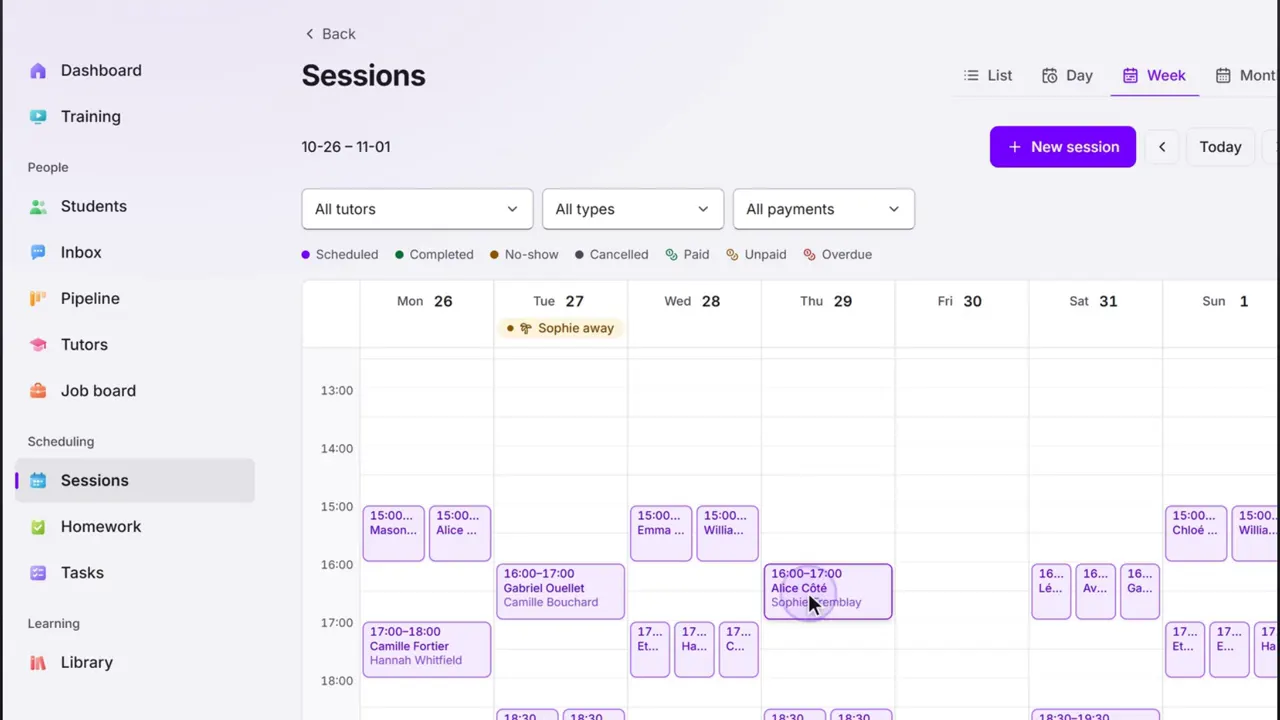
No session is ever booked twice.
The calendar refuses an overlap before it saves, and only offers the hours each tutor said they can teach.
Learn moreFamilies book their own sessions.
Open times by subject, tutor and time, in your portal, in English or French.
Learn moreEvery session gets its reminder.
Email and text reminders go out before every session, and each location sets its own cancellation cutoff.
Learn moreYou bill what was taught.
Invoices are built from the sessions that happened, with GST and QST on every one.
Learn moreEvery invoice is followed until it’s paid.
Reminders go out before the due date, on it and after, and stop the moment it’s paid.
Learn more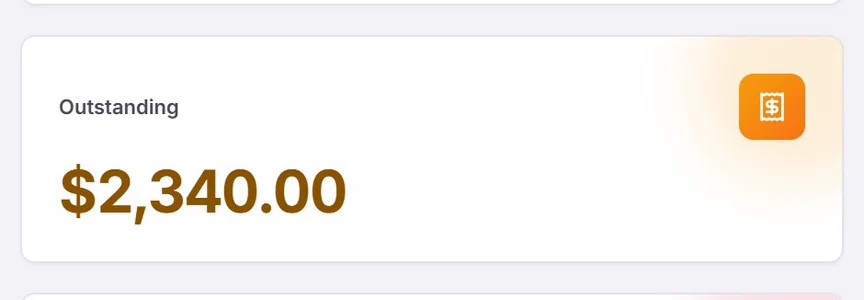
Tutors are paid for what they taught.
Each tutor’s pay comes from their sessions: hours, rate and count on one line, with payroll and T4A exports.
Learn moreNo student slips away unnoticed.
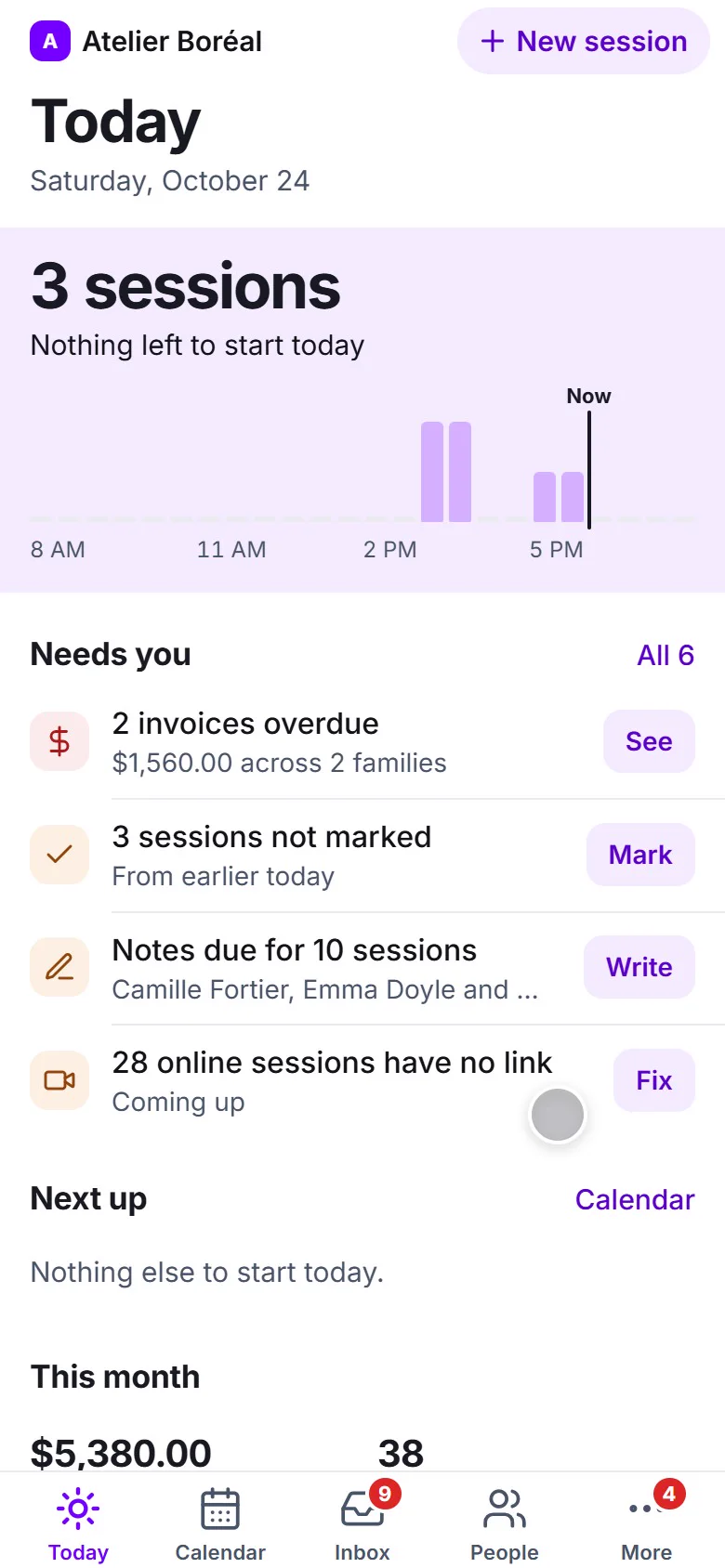
Any student with no session in 4 weeks is named, with a check-in drafted for you to read and send.
Learn more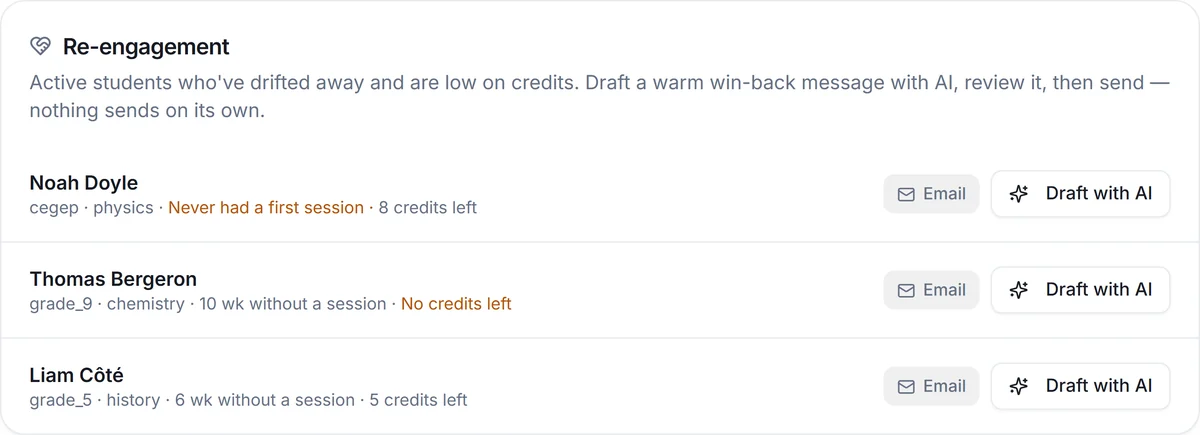
Every family hears how their child is doing.
Progress reports drafted from the tutor’s notes, in the family’s language, for you to read and send.
Learn moreHomework is given and handed in.
Tutors give homework from the session; students hand it in from the portal and the tutor corrects it.
Learn moreYou know your numbers every month.
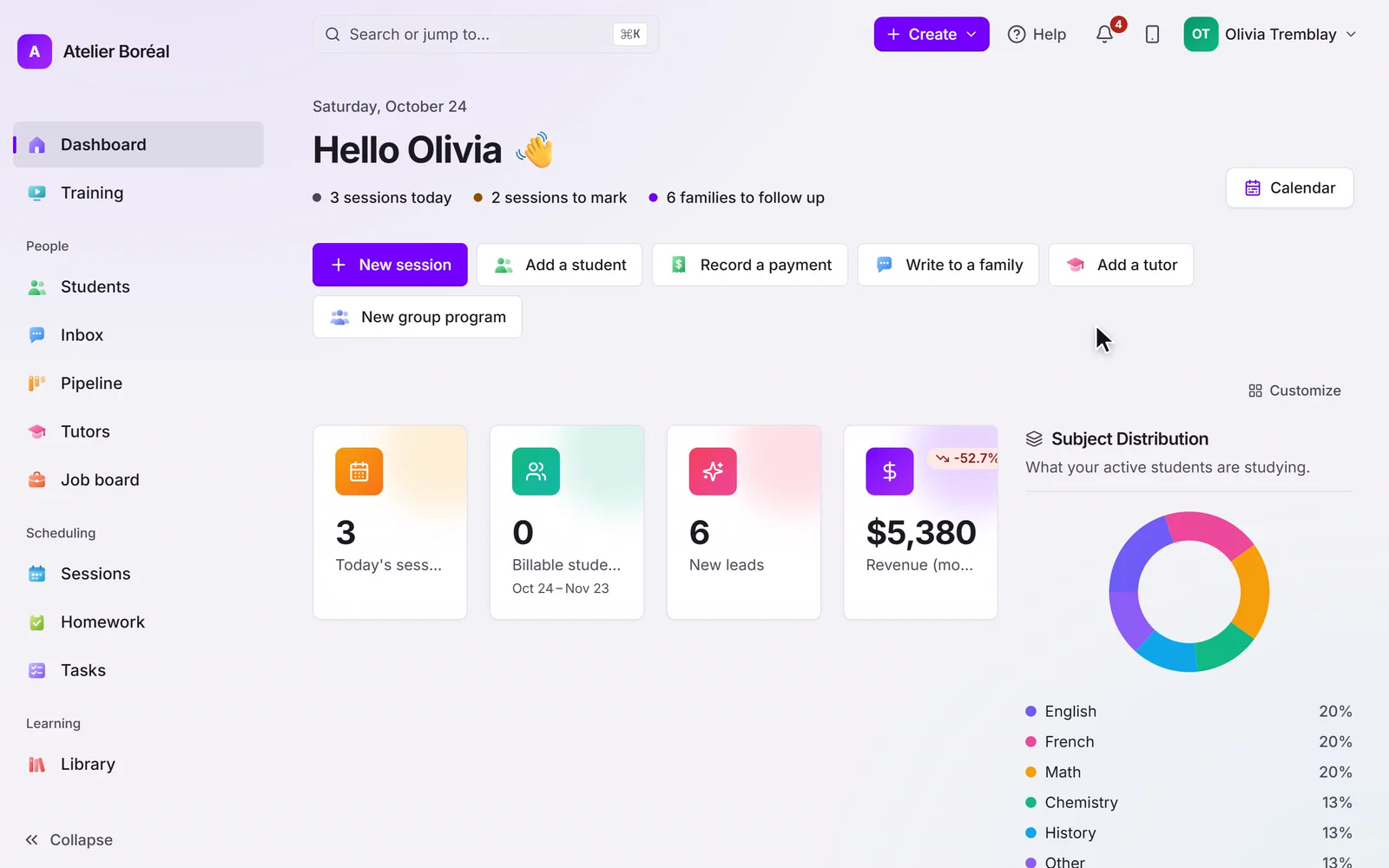
Active students, sessions booked and the month’s revenue on one screen; tutor utilisation under 55% is flagged.
Learn moreYou don't move in alone.
We carry the boxes.
Switching tutoring software is the part owners dread: the data entry, the weeks of learning, the family who can't log in. So we do the moving, and you only learn what you use.
- Open your workspace
Start the trial and your workspace opens in a minute. No card.
- Send us what you have
An export from Teachworks, TutorBird or any other tool, or your spreadsheets, as they are.
- We move you in
On a setup call we bring your students, families and tutors across and book your first sessions with you.
- Check it, then go live
We walk the result through with you before you go live.
Pillar, in numbers.
What are quiet students costing you?
With the example numbers. Change any of them to see yours.


An engineer and a teacher.
Both answer you.
Steven spent thirteen years as a principal process engineer, building systems that run without anyone watching them. Nelly taught high school and tutored for years.
We built Pillar so a tutoring centre's week runs itself and its people can get back to teaching. When you start, you talk to us, not a ticket queue.
Steven & Nelly
Your Pillar is ready.
Open it.
Everything you picked on the way, put together as tutoring centre software for your centre.
Your Pillar. $35 a month.
- Every feature at every size
- We move your students, families and tutors for you
- English and French for every family
- 14 days free, no card
- Month to month, cancel whenever
- Texts, storage and AI billed separately as used
Questions owners ask about tutoring software.
How do we move from our current tutoring software?
Whether you run on Teachworks, TutorBird or a spreadsheet, send us your export or your spreadsheets. We move students, families and tutors across on a setup call and walk the result through with you before you go live. Past lessons and invoices stay in your old system’s export.
How long will my team take to learn it?
They learn only what you switch on: anything you don’t run is turned off in Settings › Features you use and leaves the menu. Training, inside the app, walks owners, admins and tutors through the system in the order the work happens, with a video for each lesson. And on the setup call we book your first sessions with you.
Do I need a card to try it?
No. A trial runs 14 days with no card. Your workspace opens in a minute, you bring your roster and see your own numbers, not sample data.
What happens after the 14 days?
It is month to month, and you can cancel whenever. Your trial only becomes a subscription when you pay the first invoice.
How much does Pillar OS cost?
A flat monthly fee set by your active student count: from $35 a month for up to 50 students, rising along a line to $599 at 1,000 students (CAD). No per-tutor fee, no per-lesson fee, no percentage of your revenue. SMS, storage and AI usage are billed separately.
Does it work in French?
Yes. The whole product runs in English or French, for your team and for every family: the portal, invoices, reminders and reports. GST and QST are calculated on the invoice.
What about students’ data and Law 25?
Each centre’s data is isolated from every other centre’s, families see only their own students, and the consent a family gives for messages is recorded. Our privacy policy covers PIPEDA and Québec’s Law 25.
