


Tutoring billing software: every family’s invoice in 1 click.
Invoices build themselves from the lessons taught, one line per lesson with its date. Check them on one screen, send them all at once, and reminders stop once the payment is recorded.
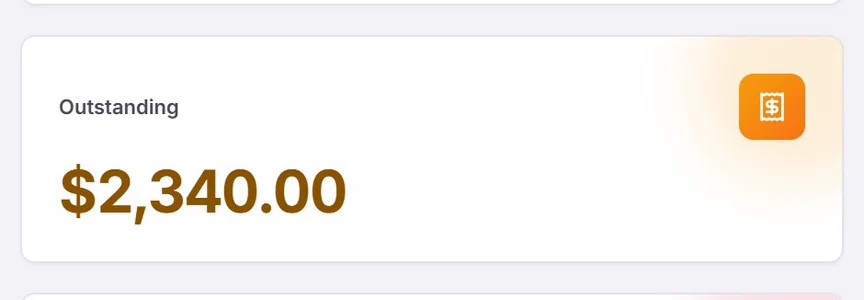
Measure it How much is sitting in unpaid invoices right now? Work out your own number. ›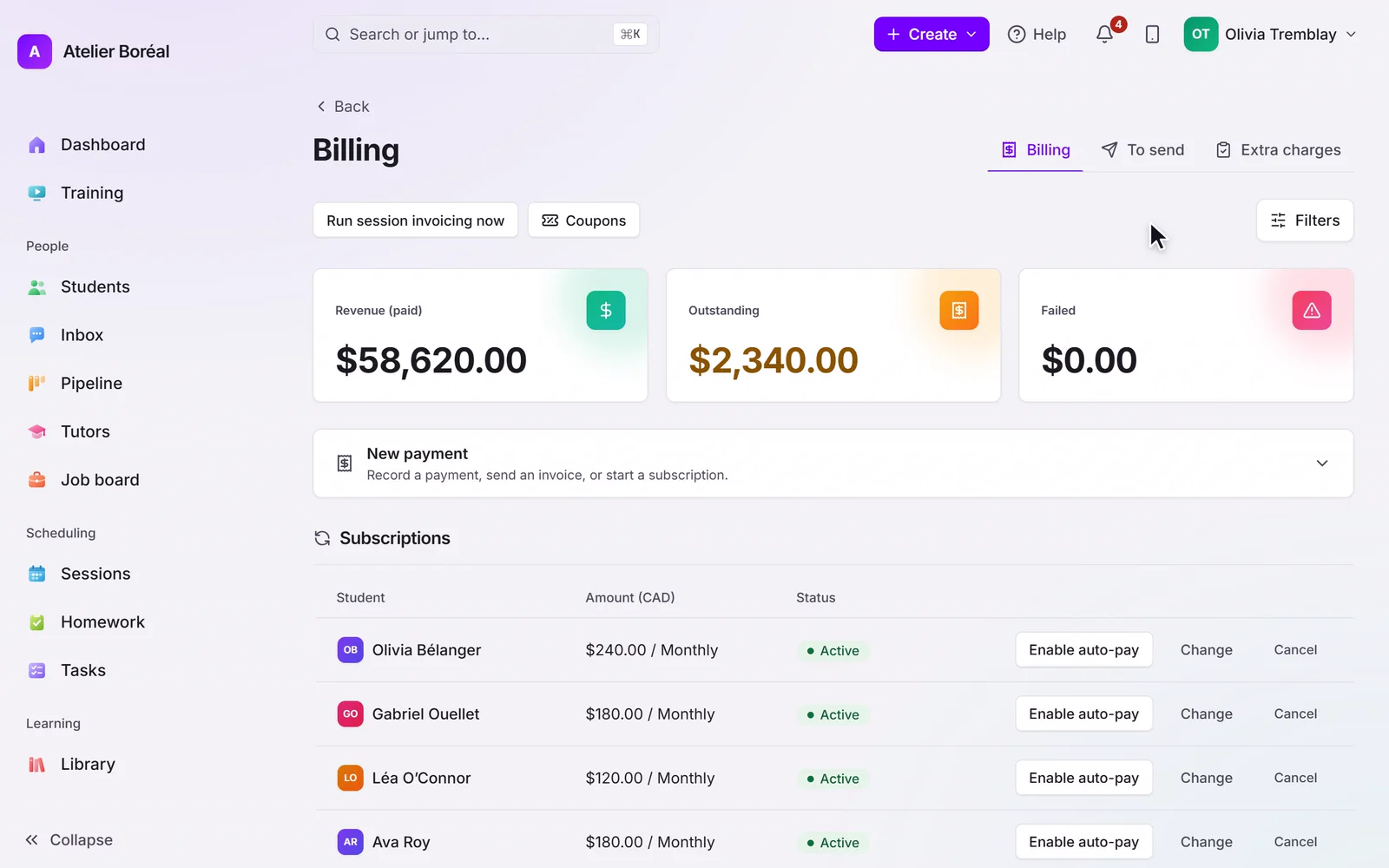
Some of our centres
 Centre de Francisation et de Tutorat au Québec
 Coeur de Tuteur
 Lingua Franca Institute
 Mentors Éducation
 OnCourse Education
 Top Tutorat
 Tuteur Match
 Tutorat au Top
What tutoring billing software actually has to reconcile
Billing for a tutoring business is not one invoice. It is a package sold in March, drawn down session by session through June, paid partly by card and partly by e-transfer, against a family with two children on different plans. Tutoring billing and invoicing software has to hold every one of those threads and still tell you, at any moment, what has been earned, what has been paid, and what is outstanding. Pillar OS keeps it all in one ledger that closes itself.
Work out your own numberStop chasing payments and closing the books by hand.
Packages & subscriptions
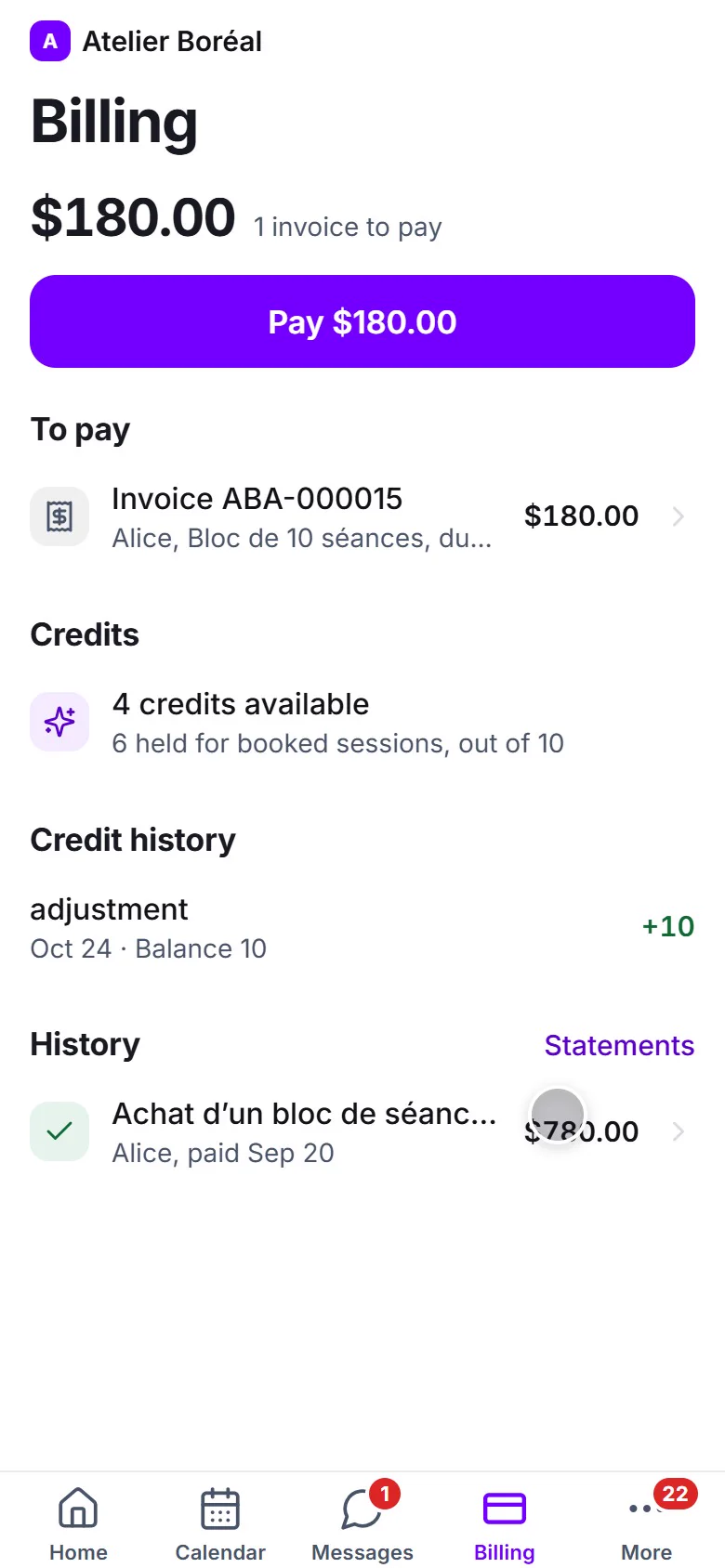
Sell session packs or monthly plans and let credits draw down by themselves. No packs at your centre? Turn credits off.
Card, e-Transfer, cheque or cash
Take cards online, or record e-transfers, cheques and cash. Every payment lands in one ledger, with its receipt.
Every invoice, before it goes
The To send list shows each invoice waiting: who it is for, what is on it and the day it leaves. Send it now or let it go on its day.
Already billing elsewhere?
Switch on billing handled outside the app: invoices are still made for your records, but no family is emailed and no card is charged.
Packages, subscriptions, and credits without a spreadsheet
Sell blocks of sessions or recurring plans, and Pillar OS draws credits down automatically as sessions are completed, so a family always sees a correct balance and you never reconcile a pack by hand. Booking alone never consumes a credit; a finished session does. Time-limited packages can carry an expiry, and unused credits stay visible rather than lost in a note somewhere. Not selling packs? Turn credits off and every mention of them disappears.
Cards, e-transfers, cheques and cash
Connect your own Stripe account to take cards, keep a card on file, charge it automatically where you allow it and split bigger programmes into instalments, with Stripe Tax adding GST and QST from your own registrations. Families who pay by Interac e-Transfer, cheque or cash see your own how-to-pay instructions on every invoice and reminder, and you mark the payment received. No card processor at all? Pillar sends its own numbered invoice and receipt. Every method lands in the same ledger, in the family’s language, and nothing has to be re-entered into a separate tool to know where revenue stands.
Every invoice checked before it goes out
The To send list shows every invoice waiting to go out: the family, the sessions on it, and the day and hour it leaves. Each family gets one invoice for everything it owes. Send one now, or send them all. An unpaid invoice can be voided or adjusted, reminders follow your own schedule, and annual statements are ready for families, tutors and the owner.
Already billing somewhere else? Keep it there.
If your centre invoices and collects in another tool, switch on Invoices and receipts are handled outside the app in your billing rules. Pillar still makes every invoice with its lines, so your reports stay right, but no family is emailed, no card is charged and no reminder goes out. All that is left is to mark payments received. Centres on GoHighLevel can keep it connected, with payments and contacts synced both ways.
A flat fee, never a cut of your revenue
Some tutoring platforms take a percentage of every payment you process, so your software bill grows with the lessons you already taught. Pillar OS charges one flat fee by active student count and keeps 100% of your revenue yours. Payment processing runs through your own processor, and your billings are never part of our pricing.
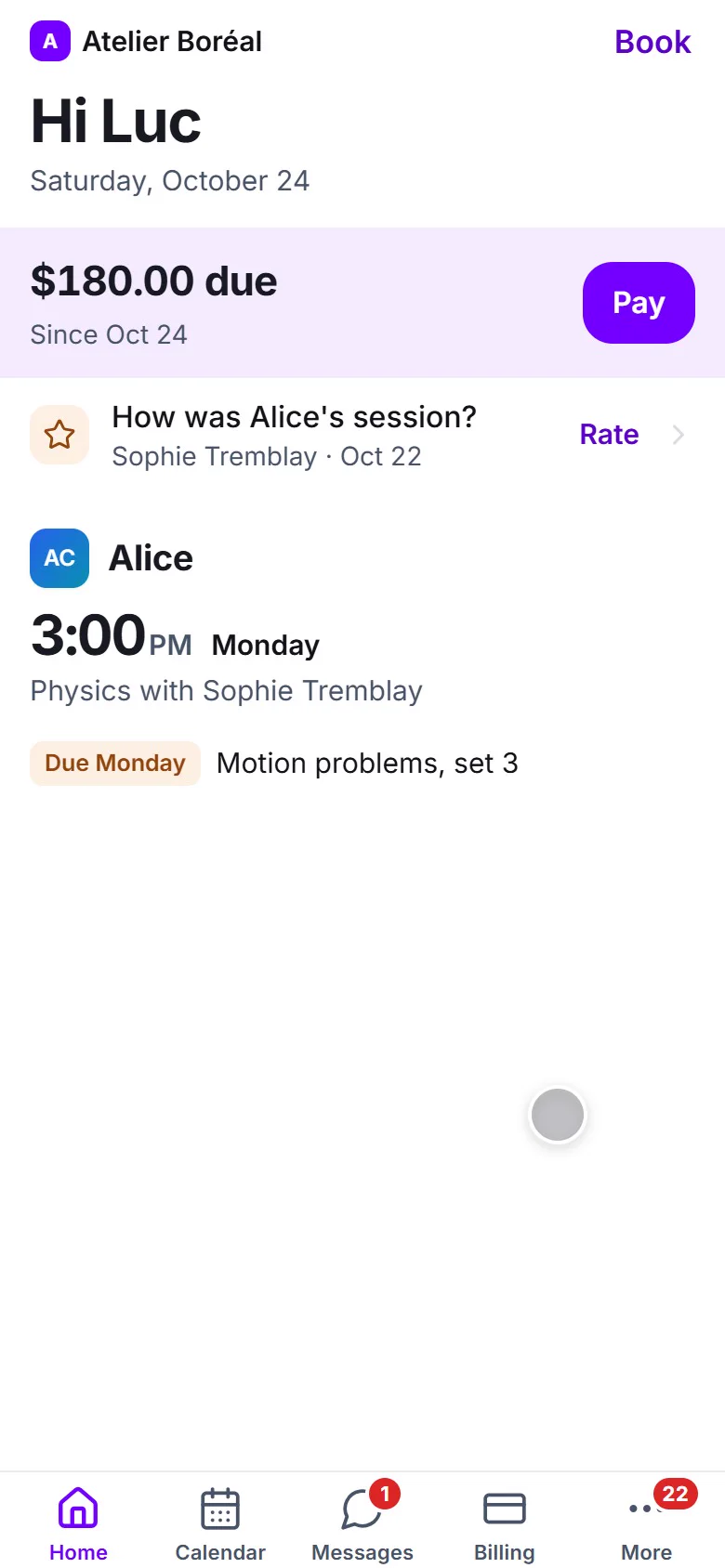
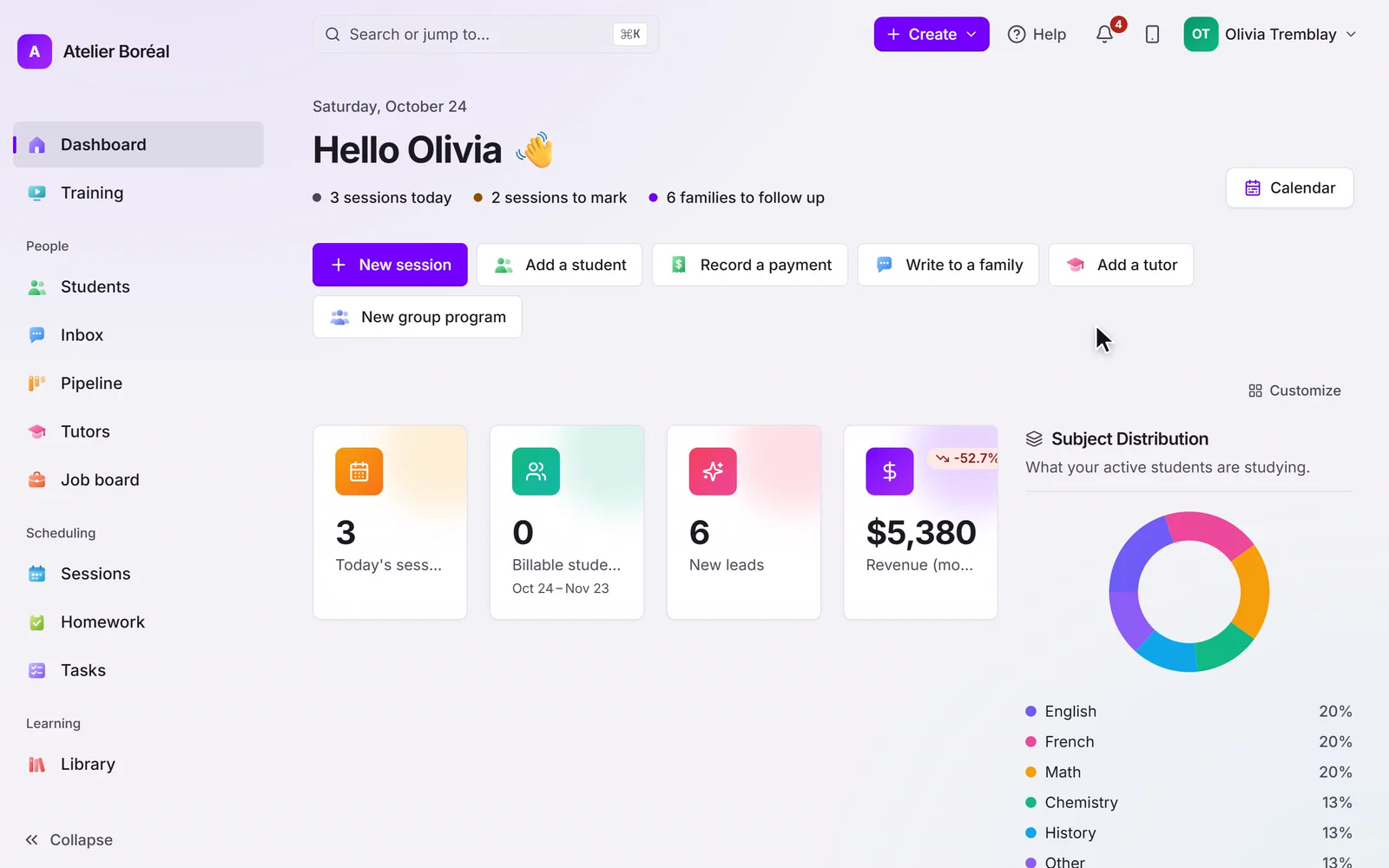
It keeps working when nobody is watching.
- Invoices come from the lessons taught
Each invoice is built from completed sessions, one line per lesson with its date, so nothing is billed from memory.
- Reminders stop the moment it is paid
Payment reminders follow your own schedule and stop as soon as the payment is recorded.
- Nothing leaves unchecked
The To send list shows every invoice waiting: who it is for, what is on it and the day it leaves.
Explore the rest of the platform
Scheduling & booking
Cut no-shows and give your front desk their afternoons back.
Learn more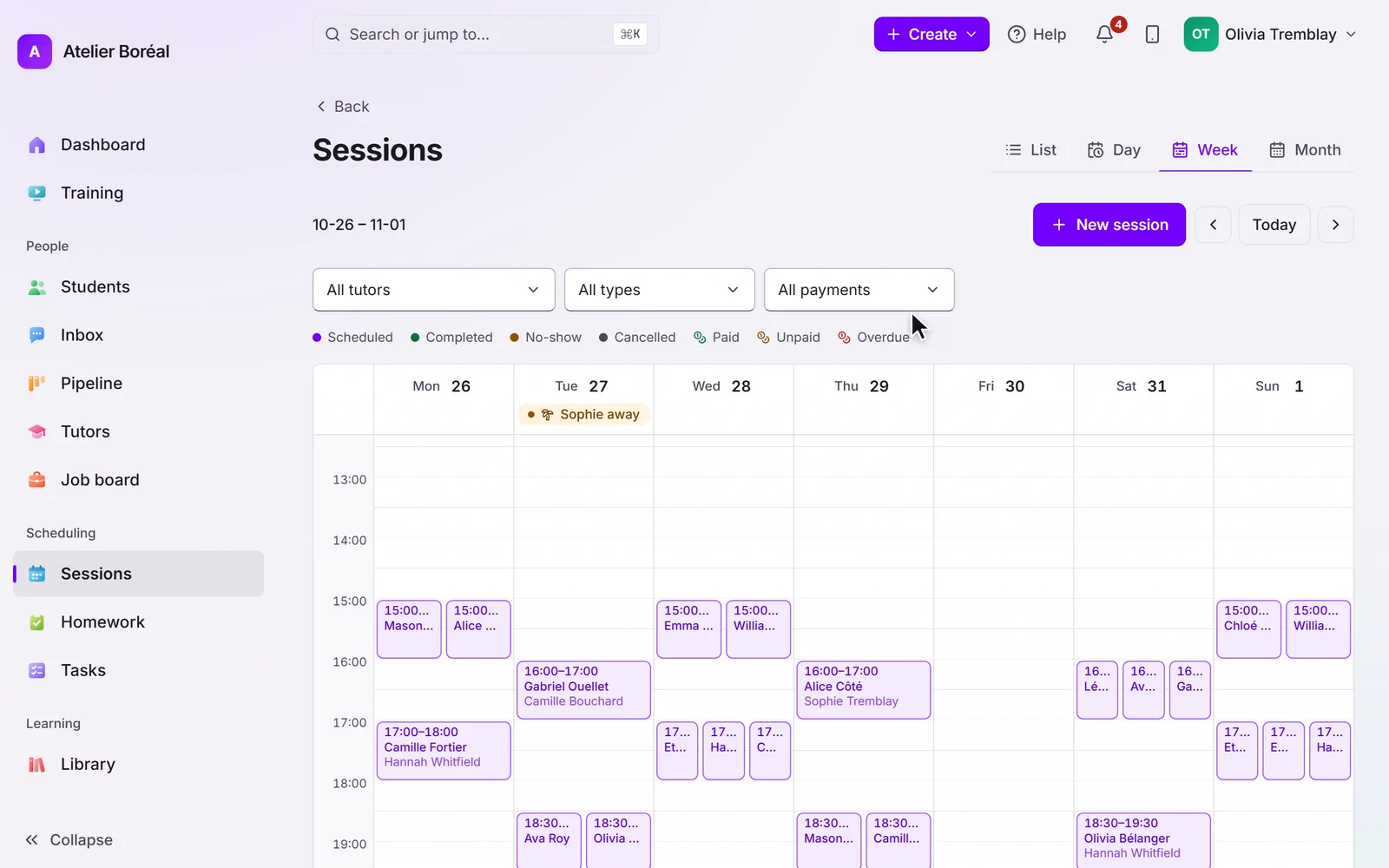
Parent & student portal
Give families a premium experience and win back staff hours.
Learn more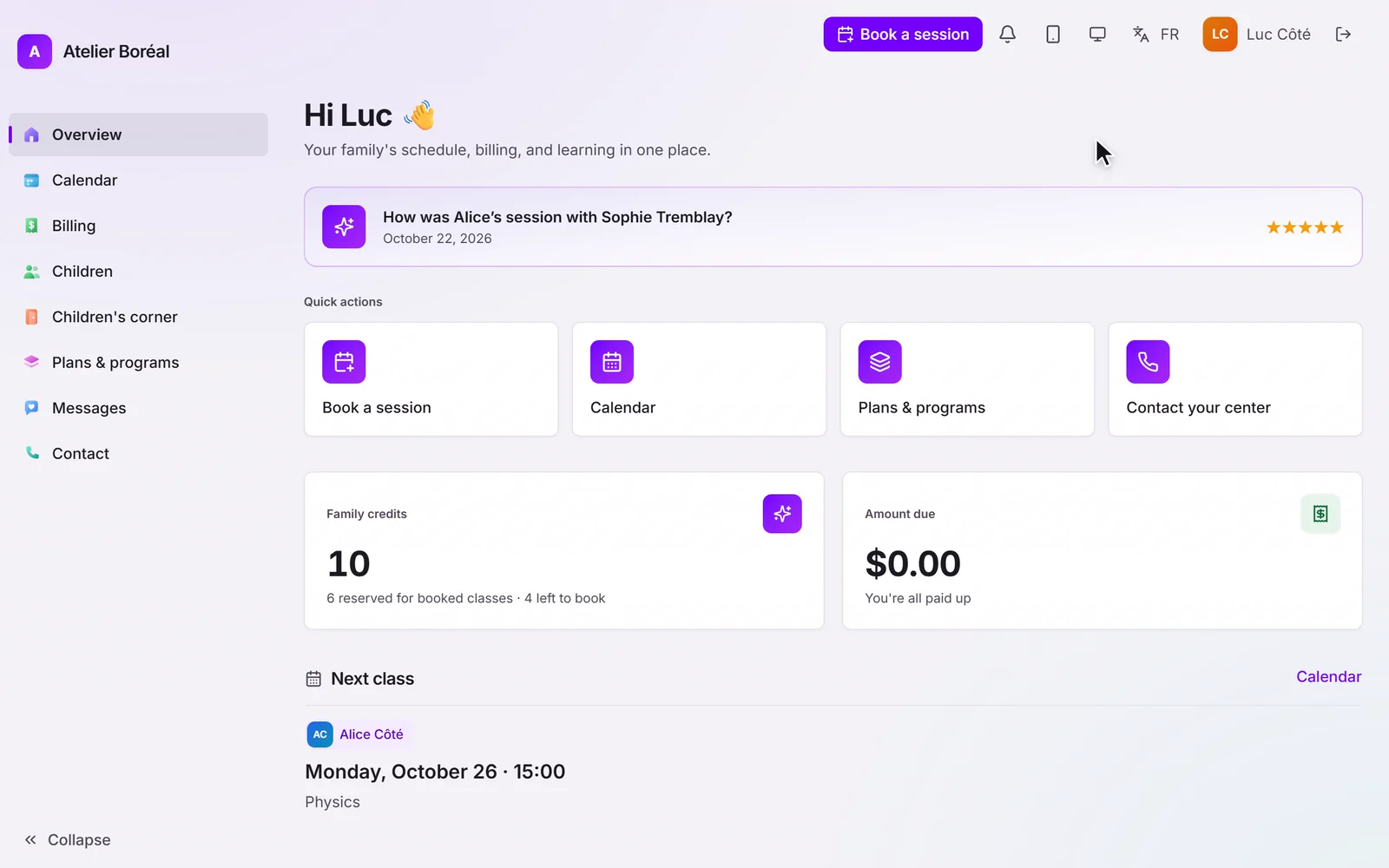
Tutor management
Deliver consistent quality without the assignment headache.
Learn more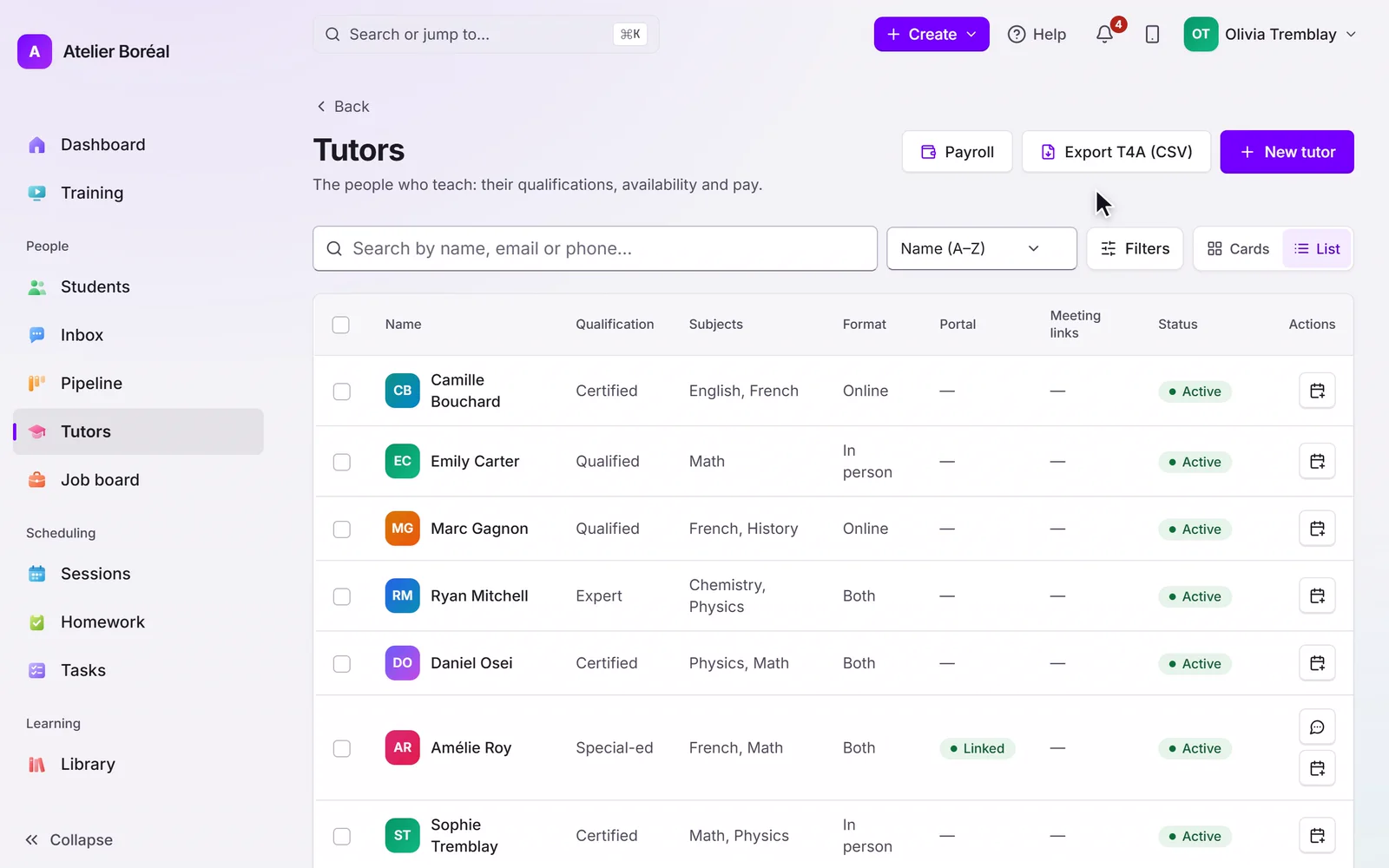
AI progress reports
Show value every week without adding hours of admin.
Learn more
Courses & library
Your teaching keeps working between sessions.
Learn more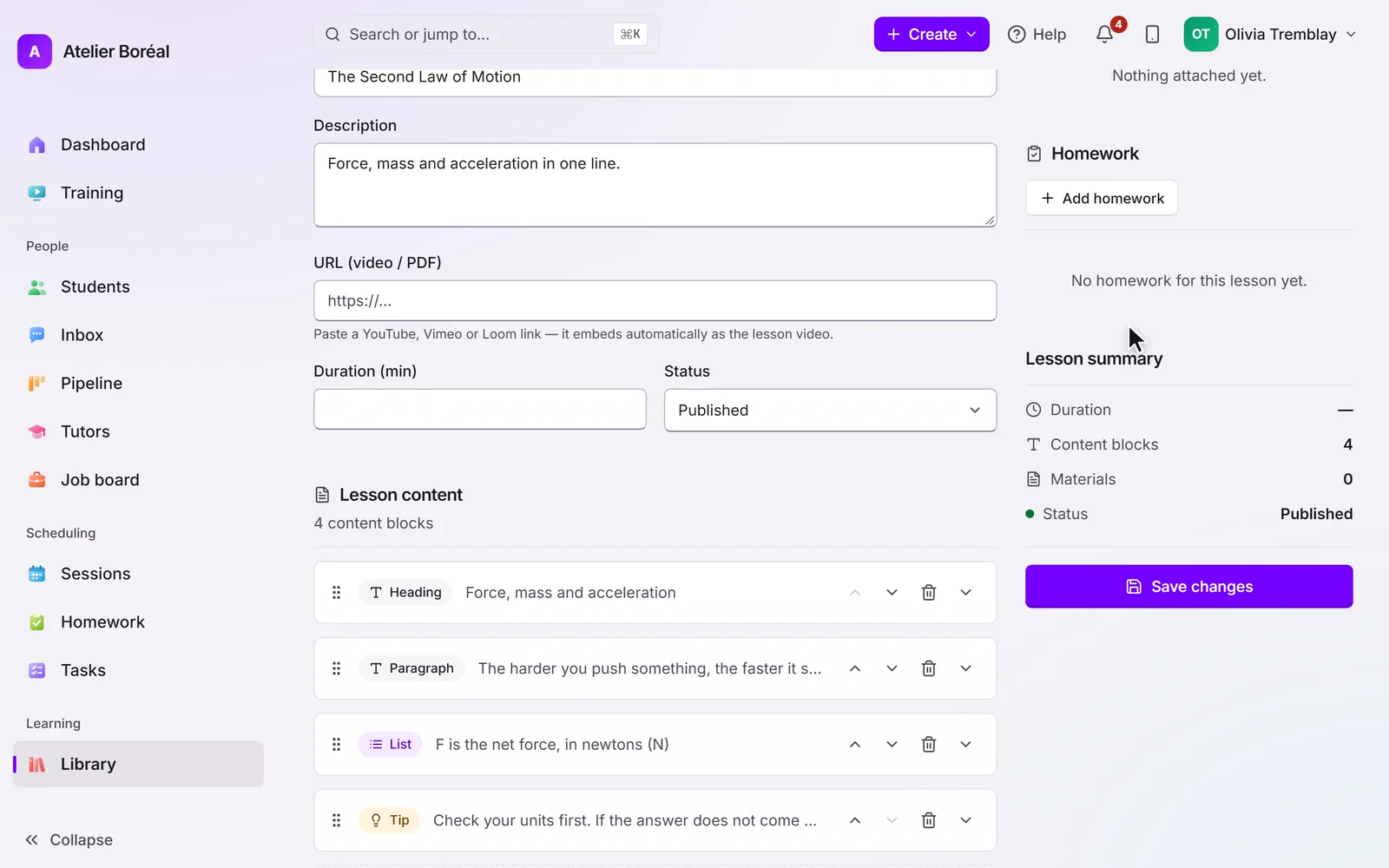
Homework
Practice between sessions, corrected before the next one.
Learn more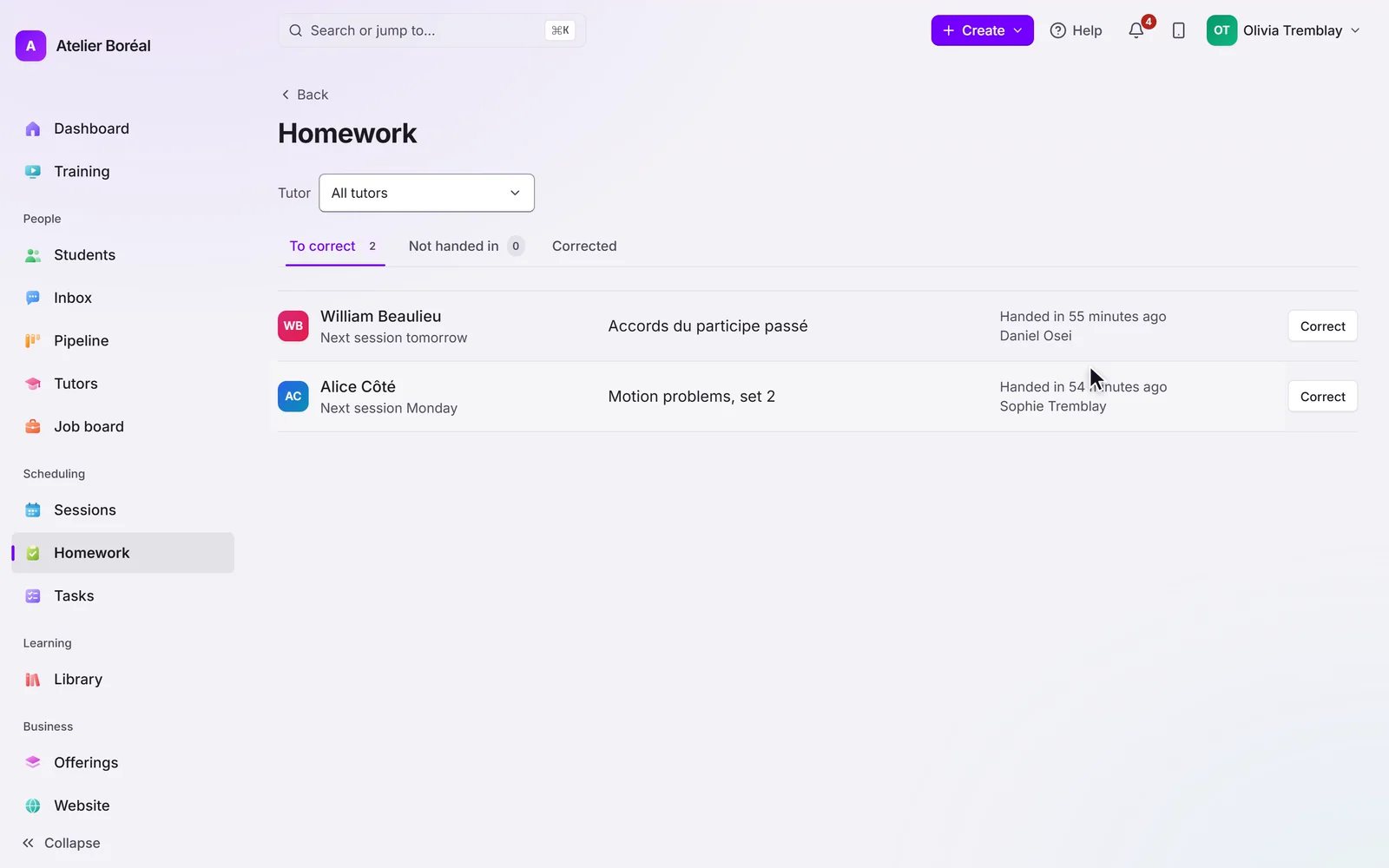
Community & messaging
Build the community that keeps families enrolled.
Learn more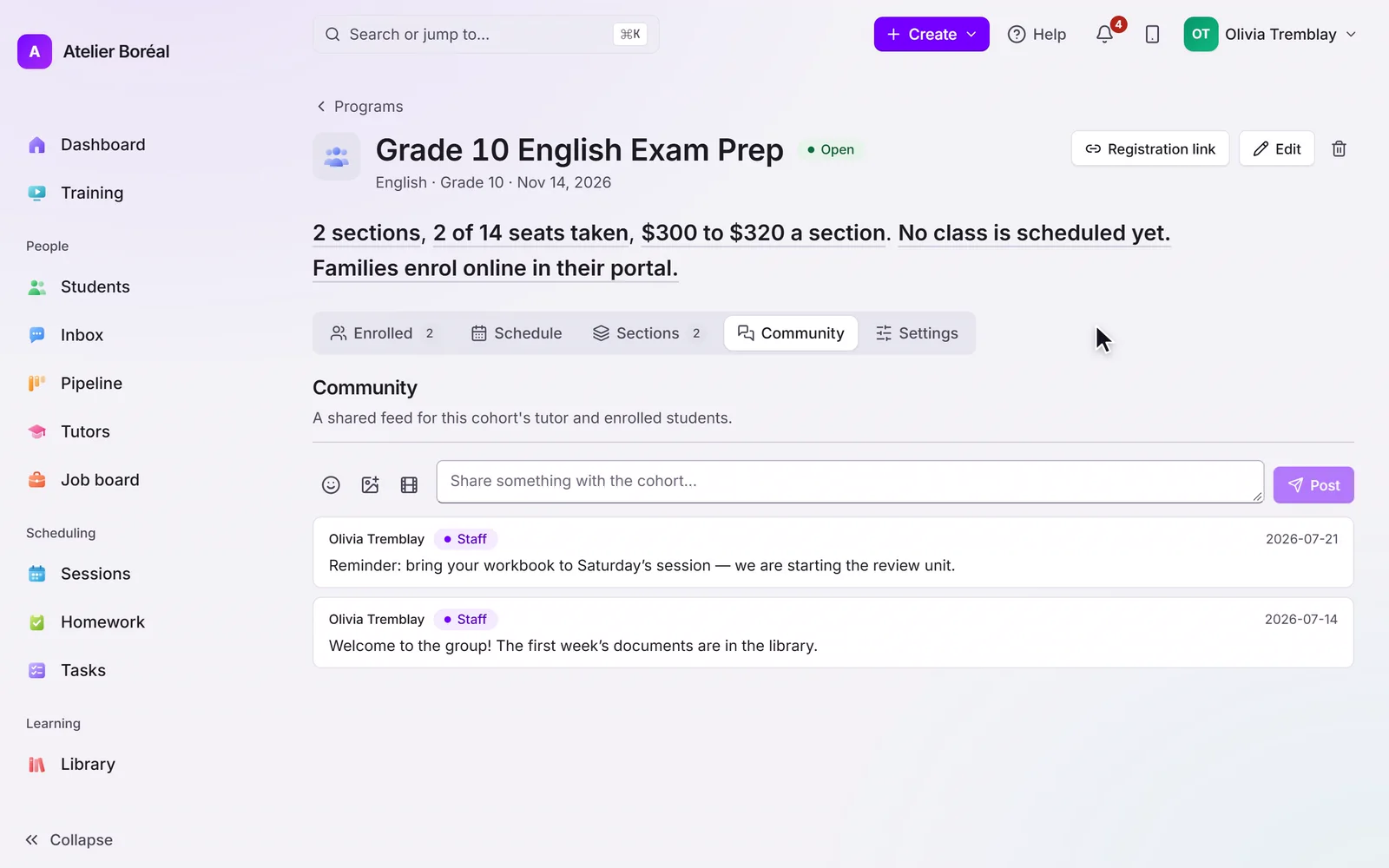
Ready to see billing & payments in action?
Free for 14 days, no card. We move your students, families and tutors across for you.
