


← All articles
Getting started Updated August 6, 2026
Set up your workspace
Your first ten minutes in Pillar OS: business details, timezone, languages and your logo.
Some of our centres
 Centre de Francisation et de Tutorat au Québec
 Coeur de Tuteur
 Lingua Franca Institute
 Mentors Éducation
 OnCourse Education
 Top Tutorat
 Tuteur Match
 Tutorat au Top
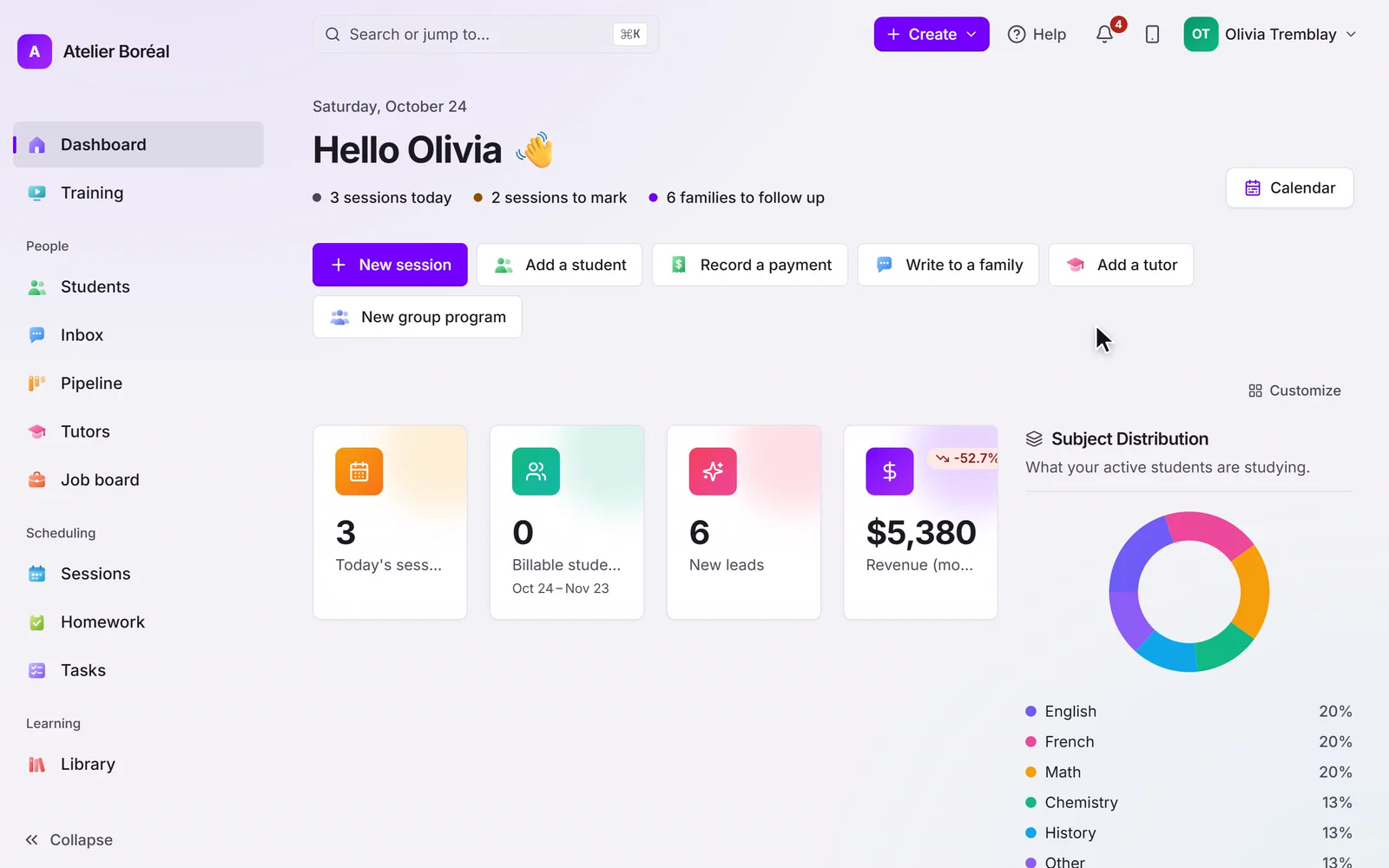
When you first sign in, the setup wizard walks you through the essentials. Everything it touches can be changed later under Settings.
General settings
Open Settings, then General to set:
- Business name and URL identifier, used in your portal and registration links.
- Timezone, which drives session times and reminder timing.
- Default session length in minutes.
- Cancellation cutoff: the number of hours before a session during which families can no longer cancel or move it online.
- Public contact email and phone, shown to families in their portal.
Languages
Pillar OS works in English and French. Each family has its own preferred language on their profile, and every message they receive uses it.
Your logo
Upload your logo in Settings, then General (PNG or JPG, up to 4 MB). It appears in the family portal, on your invoices and at the top of every email Pillar OS sends for you. No need to add it to individual messages.
Didn’t find what you need?
Support is included with every plan. Write to us and a human replies.
Contact support