


One-to-one lessons in a calendar built for groups? Book a full term in 1 step.
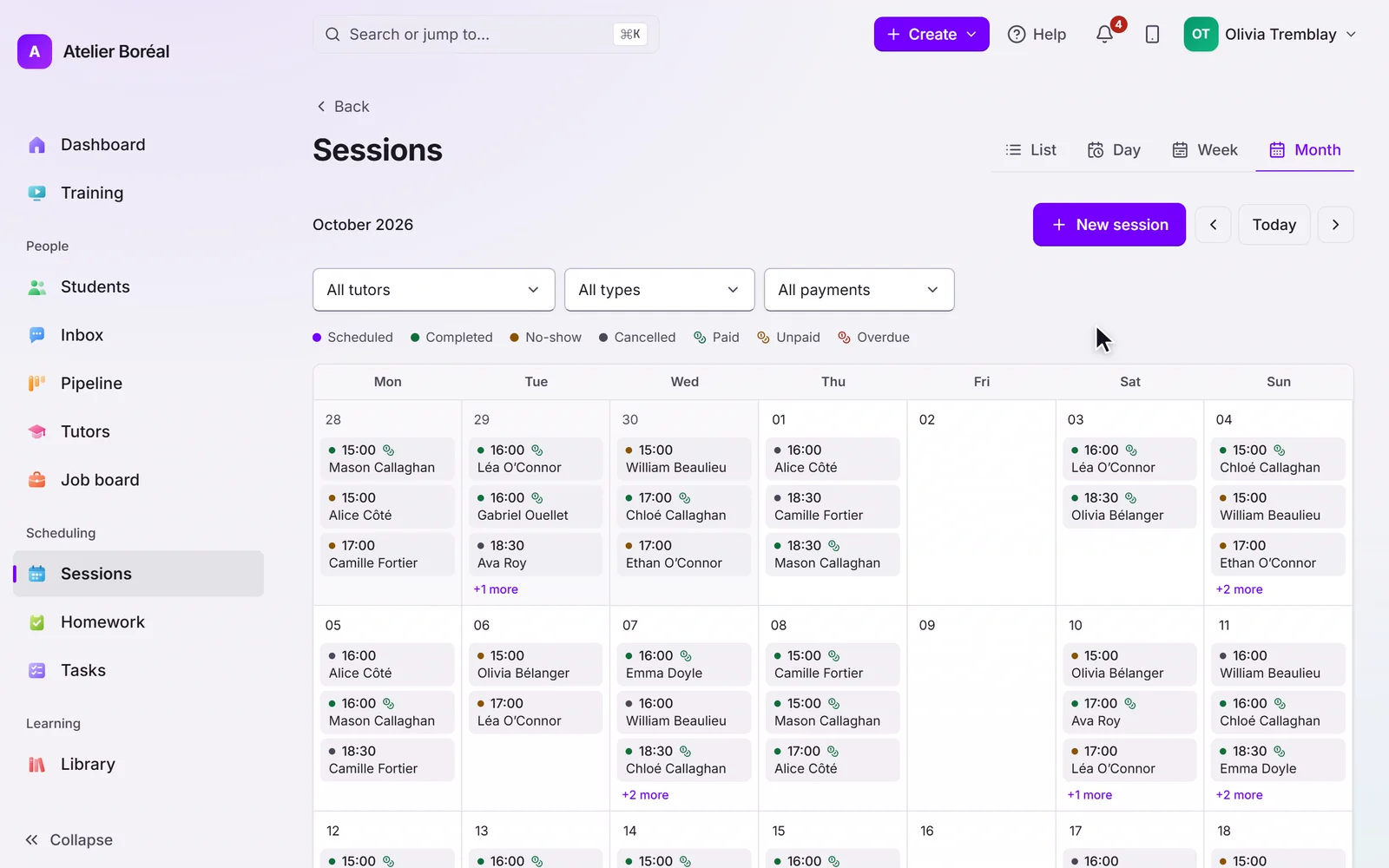
One-to-one lessons, groups and programmes share 1 calendar. Change one session or the whole series at once, and clashes show before you save.
Some of our centres
 Centre de Francisation et de Tutorat au Québec
 Coeur de Tuteur
 Lingua Franca Institute
 Mentors Éducation
 OnCourse Education
 Top Tutorat
 Tuteur Match
 Tutorat au Top
Your calendar was built for someone else’s lessons.
A parent asks to switch from Thursday to Wednesday for the rest of the term. That’s a dozen sessions to edit one by one, or a series to rebuild. A week later the tutor says the change was never made, and nothing shows who did what.
18 / 172
18 of the 172 public complaints we read about tutoring software are about this.
Three of those complaints, in our words. Each link goes to the source.
An owner running nine group courses plus one-to-one lessons rebuilds every schedule by hand, on paper.
A coordinator at an 11 to 50 person centre: no history of schedule changes, and no undo.
Terrible for private one-on-one lessons, and product changes keep breaking the workarounds.
Here’s how Pillar OS handles it
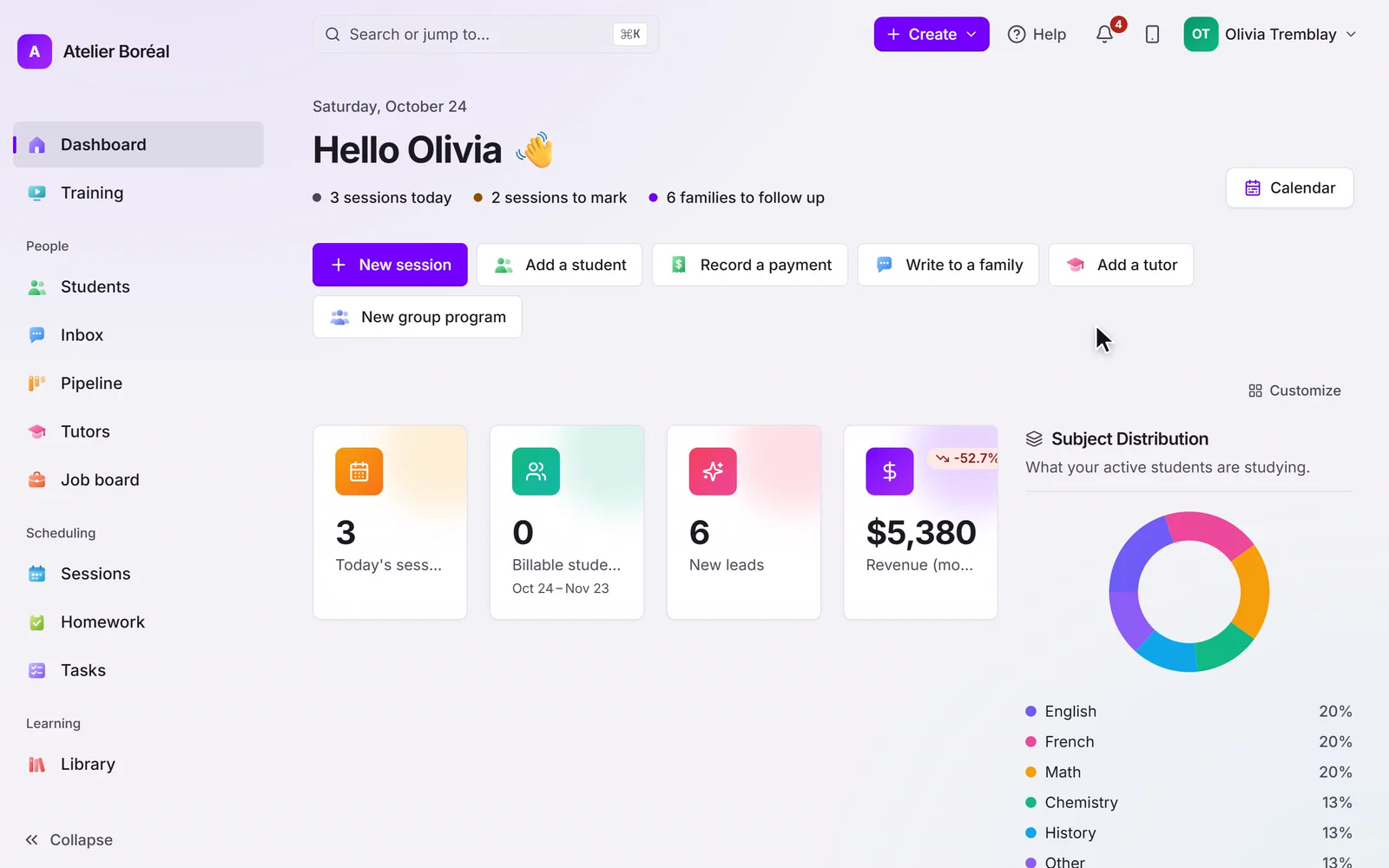
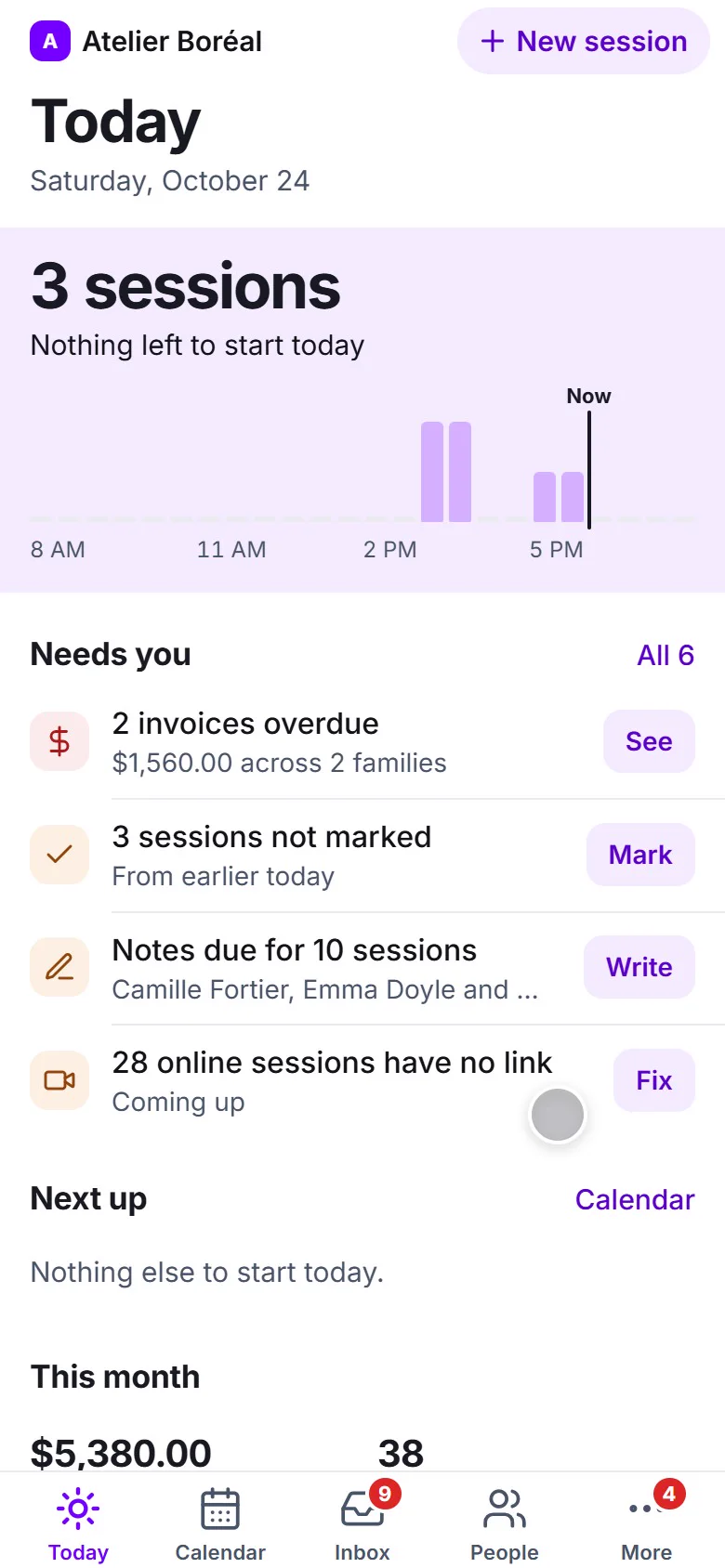
Built for one-to-one lessons as much as for groups and programmes, on one calendar. Change one session or the whole series in one popup; each session keeps its history of who changed what; clashes show before you save.
Where it is in Pillar OS
- Calendar
- History
What Pillar OS doesn’t do yet
No two-way Google Calendar sync yet: families and tutors subscribe to a one-way feed. And no undo: the history shows every change, it doesn’t reverse it.
Good to know
Can I change the rest of a series at once?
Yes. Change one session or every session after it, in the same popup, and Pillar shows clashes before you save.
How much does Pillar OS cost?
One fee set by your active students, in Canadian dollars: $35 a month for up to 50, then by band up to $599 at 1,000. No fee per tutor, per lesson or per family login, and no share of your revenue. Texting, AI use, extra storage, a website, extra locations and the GoHighLevel connection are billed separately, only if you use them.
We use other software or spreadsheets today. How do we move?
On a setup call, we bring your students, families and tutors over from your export or your spreadsheets and book your first sessions with you. Past lessons and invoices stay in your old system’s export, so keep it.
Does it work in French?
Yes. The whole product runs in French or English, for your team and for each family in its own language. GST and QST are calculated on the invoice.
Get your centre running with us, in one call.
About 45 minutes: we load your students and book your first sessions together, in English or French.
