


Give families portal access
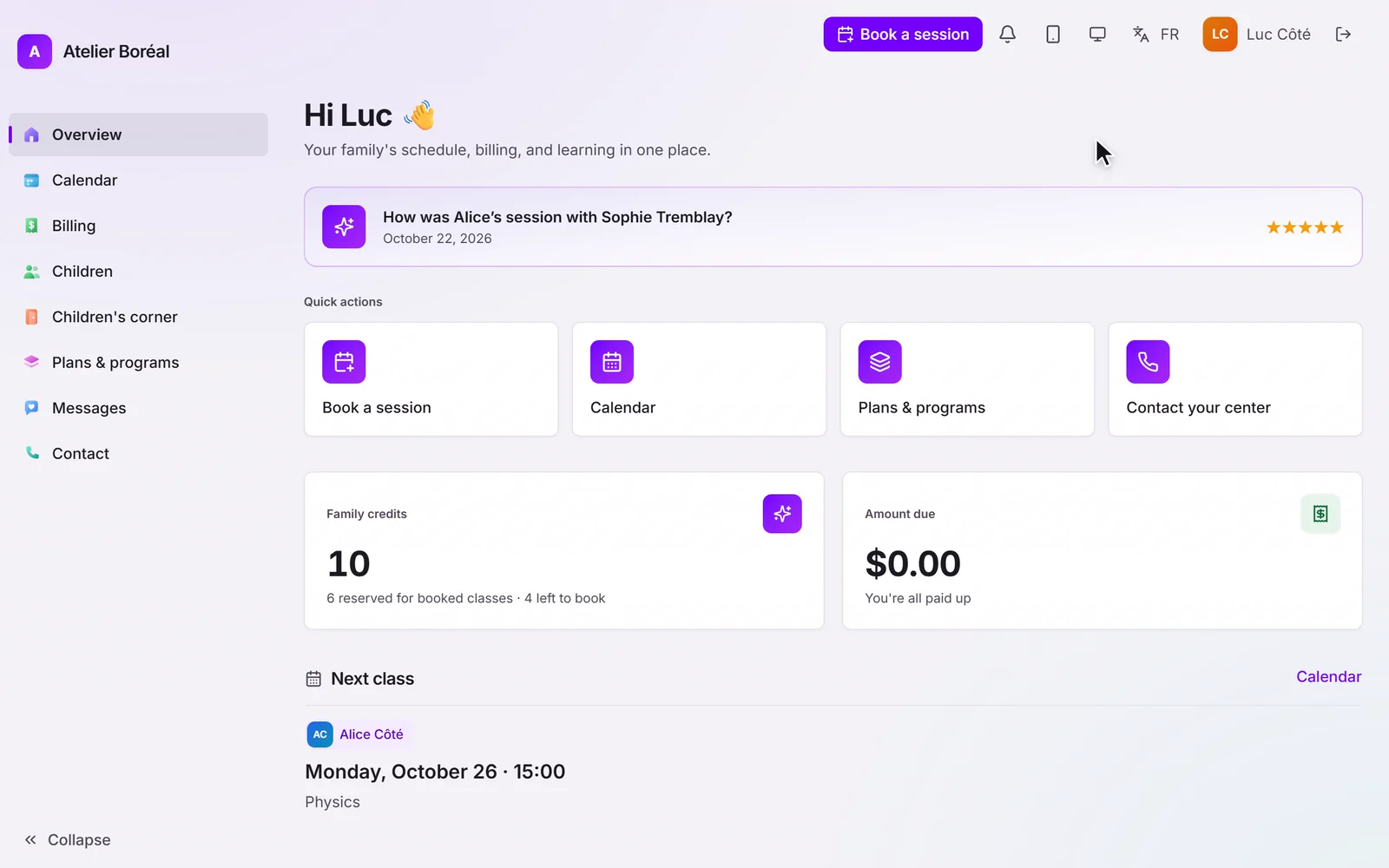
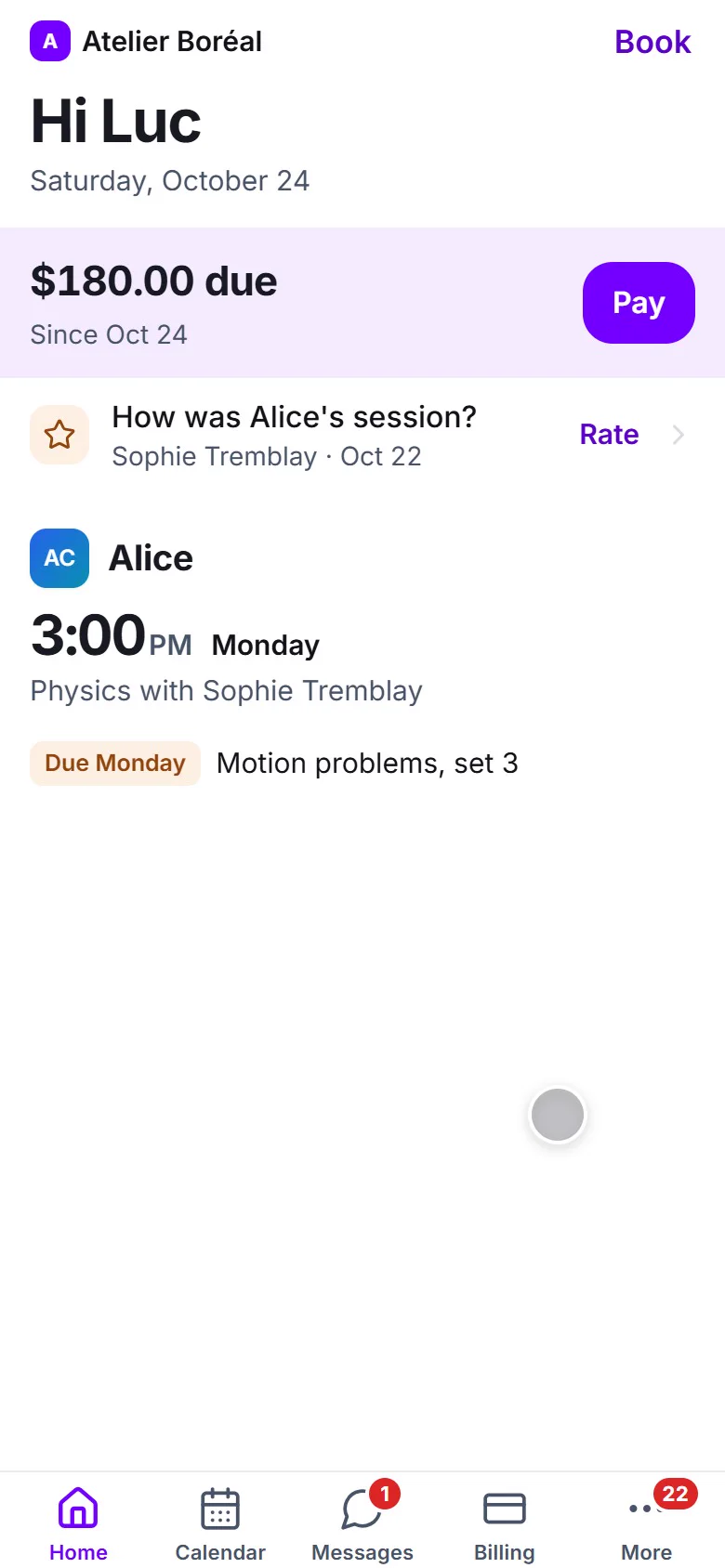
Invite parents and students to the portal where they book, see credits and pay.
Some of our centres
 Centre de Francisation et de Tutorat au Québec
 Coeur de Tuteur
 Lingua Franca Institute
 Mentors Éducation
 OnCourse Education
 Top Tutorat
 Tuteur Match
 Tutorat au Top
What the portal is
Every family gets a private portal for your centre: upcoming sessions, self-booking, credit balance, messages and invoices. It uses your branding and works in the family’s language.
Inviting a family
Open the student’s profile and send the portal invitation. The family receives an activation email, sets a password, and signs in. The invitation email address becomes their login, so it must be unique to that family member.
If the invitation expires or gets lost, resend it from the same place. The Activate your account link on the sign-in page only works for people you have invited, so nobody can create themselves an account with a random address.
What booking requires
Self-booking in the portal uses session credits. A family with no remaining credits is asked to renew before booking, and your low-credit messages (if enabled) nudge them before they run out.
Didn’t find what you need?
Support is included with every plan. Write to us and a human replies.
Contact support