


Credits, packages and billing modes
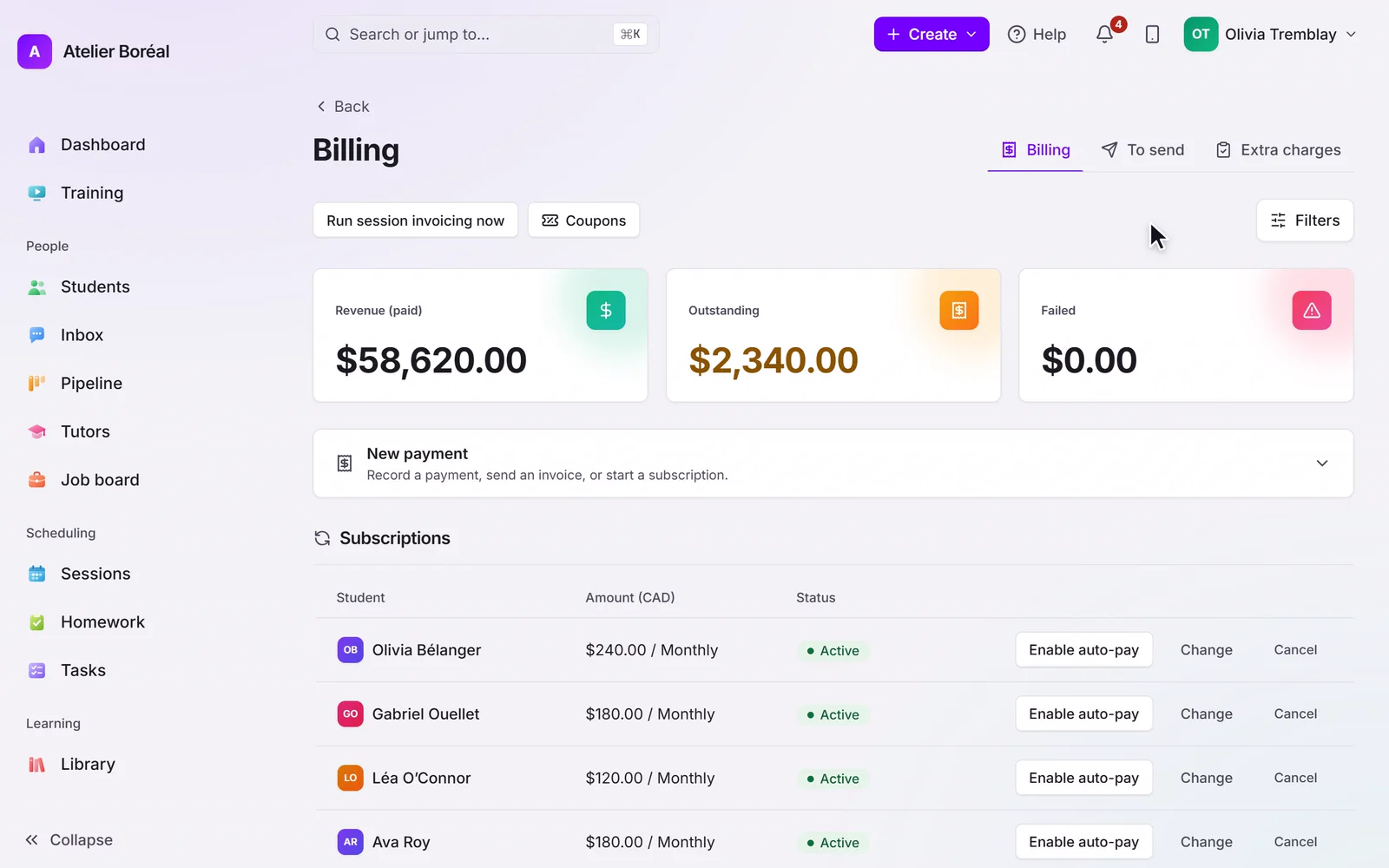
How prepaid credits work, and the automatic billing modes you can set per student.
Some of our centres
 Centre de Francisation et de Tutorat au Québec
 Coeur de Tuteur
 Lingua Franca Institute
 Mentors Éducation
 OnCourse Education
 Top Tutorat
 Tuteur Match
 Tutorat au Top
The credit model
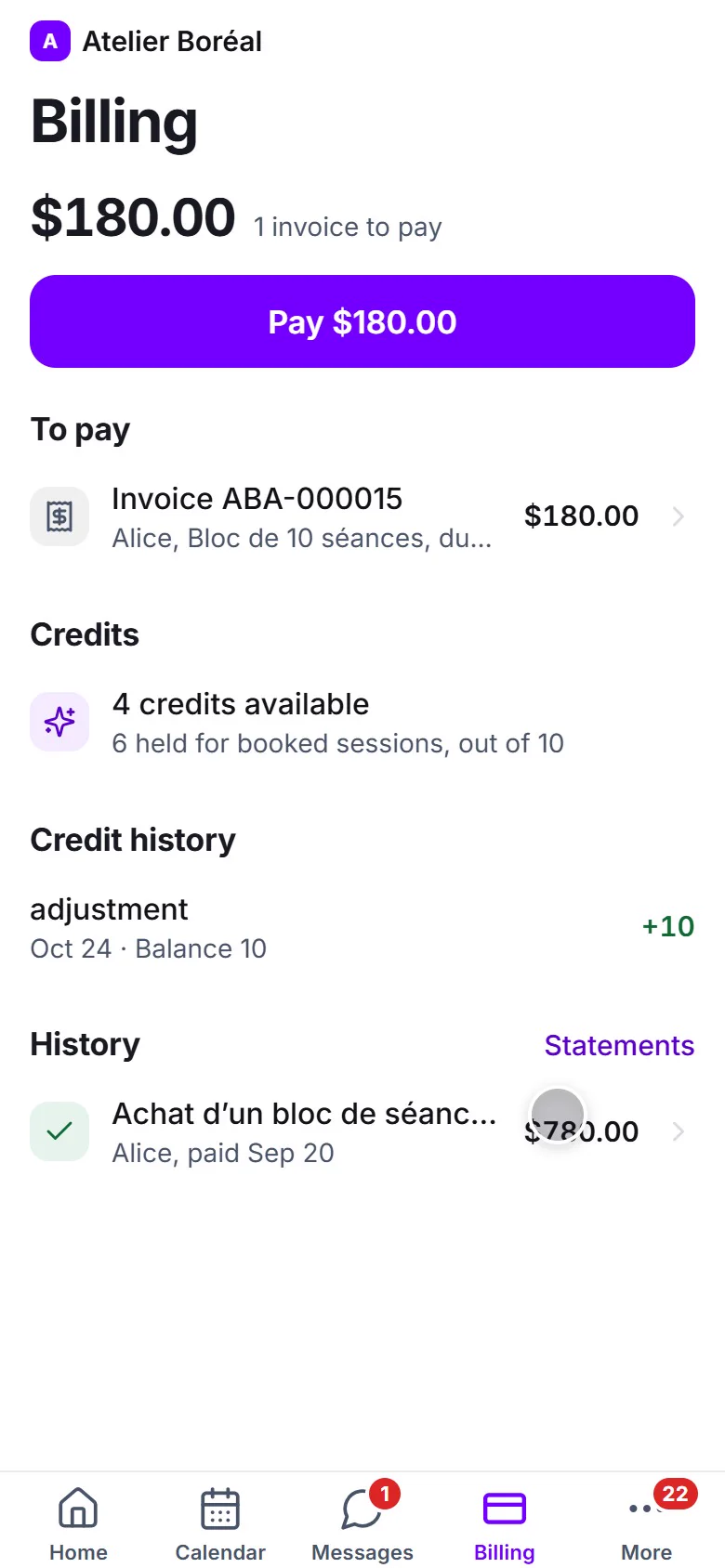
A family buys a package, the payment registers, and the session credits land on the student automatically. Completing a session consumes one credit; booking alone never does. Credits can carry an expiry date if you sell time-limited packages.
The portal shows the balance, self-booking requires a positive balance, and the optional low-credit and out-of-credit messages remind families to renew.
Billing modes, per student
Set each student’s mode in the billing section of their profile:
- Packages (default): you invoice a pack, payment grants the credits.
- Auto-refill: when the balance drops to your threshold, the next pack is invoiced automatically. It never double-invoices while one is pending.
- Per session: no credits; completed sessions are invoiced automatically, count times your per-session rate.
- Recurring: a payment schedule charges the family on its own cadence.
Program enrolments are prepaid by the program invoice and never draw down credits.
When a family cancels a package
In Quebec, the law caps what you can keep when a family cancels prepaid sessions, and sets a 10-day deadline to refund the rest. Because credits are consumed only by completed sessions, the student’s credit history shows how many were delivered. Our guide to tutor invoicing and billing walks through the rule with a worked example.
Didn’t find what you need?
Support is included with every plan. Write to us and a human replies.
Contact support