


Cancellations and no-shows
The online cancellation cutoff, rescheduling rules, and the optional no-show credit policy.
Some of our centres
 Centre de Francisation et de Tutorat au Québec
 Coeur de Tuteur
 Lingua Franca Institute
 Mentors Éducation
 OnCourse Education
 Top Tutorat
 Tuteur Match
 Tutorat au Top
The cutoff
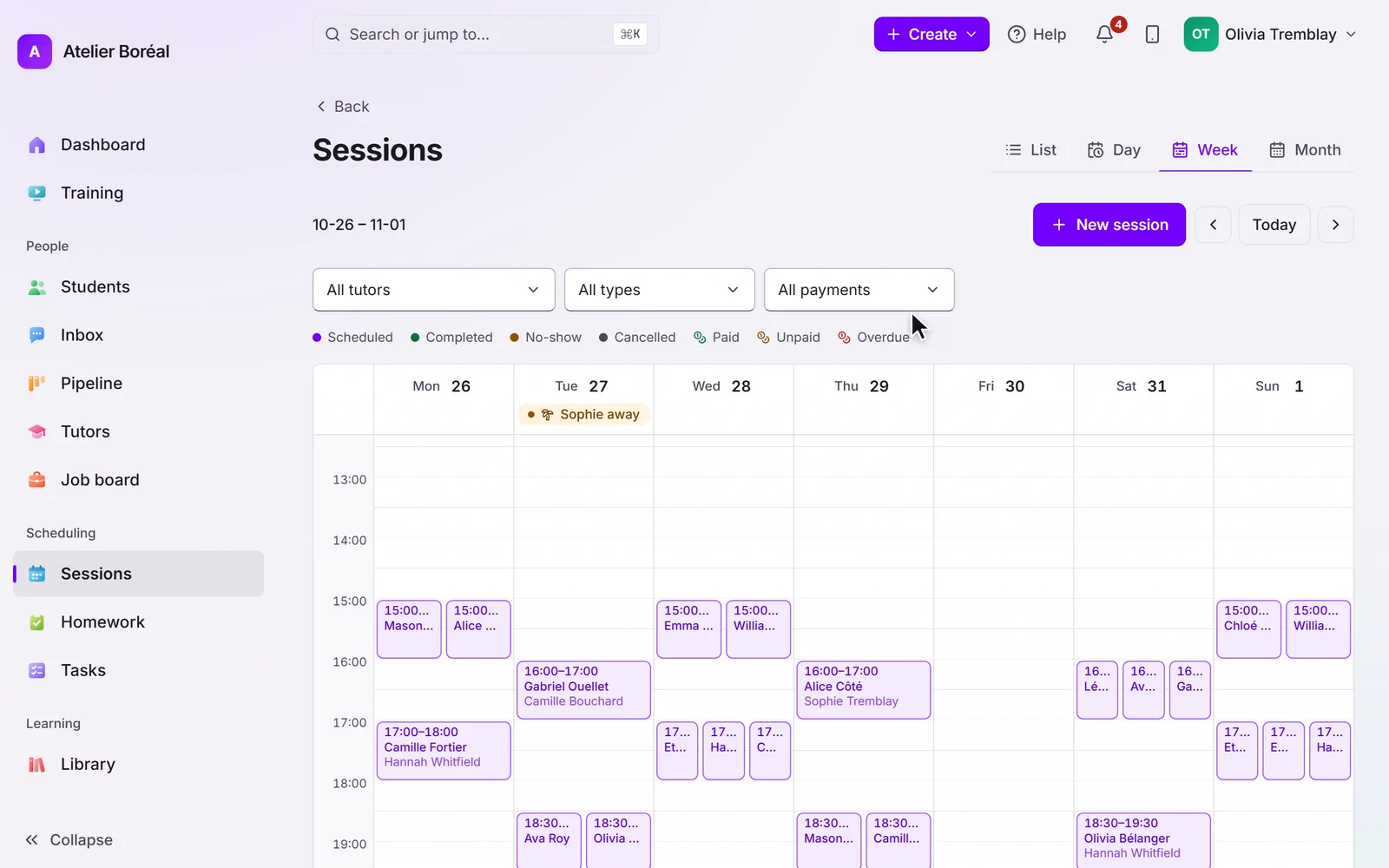
In Settings, then General, set the cancellation cutoff in hours. Outside the cutoff, families cancel or move their own sessions in the portal. Inside it, the portal declines and asks them to contact you, for both cancellation and rescheduling. Your team can always change anything from the admin side, cutoff or not.
Each location sets its own cutoff, so a centre with several sites can run different rules.
No-shows
Mark a session as a no-show when the student did not attend. By default this costs nothing. If your policy is stricter, turn on No-show costs a credit in Settings, then Automations: one session credit is deducted automatically, and refunded automatically if you revert the no-show.
What families are told
Booking confirmations and session reminders carry the current details, so a moved session re-informs everyone through the same automations you configured.
Didn’t find what you need?
Support is included with every plan. Write to us and a human replies.
Contact support