


Book sessions and meeting links
One-on-one, group and recurring sessions, and how each session gets its video link.
Some of our centres
 Centre de Francisation et de Tutorat au Québec
 Coeur de Tuteur
 Lingua Franca Institute
 Mentors Éducation
 OnCourse Education
 Top Tutorat
 Tuteur Match
 Tutorat au Top
Booking
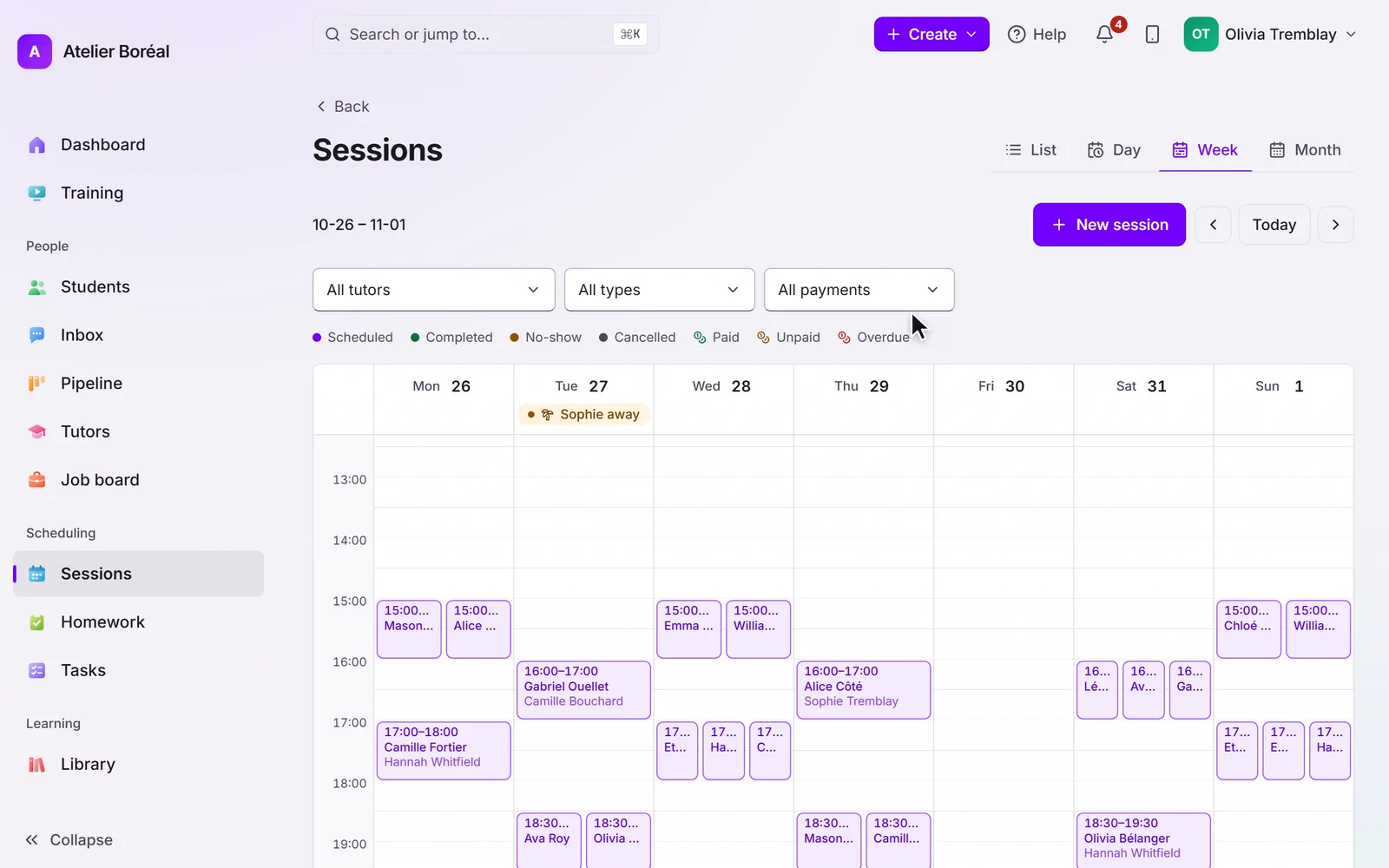
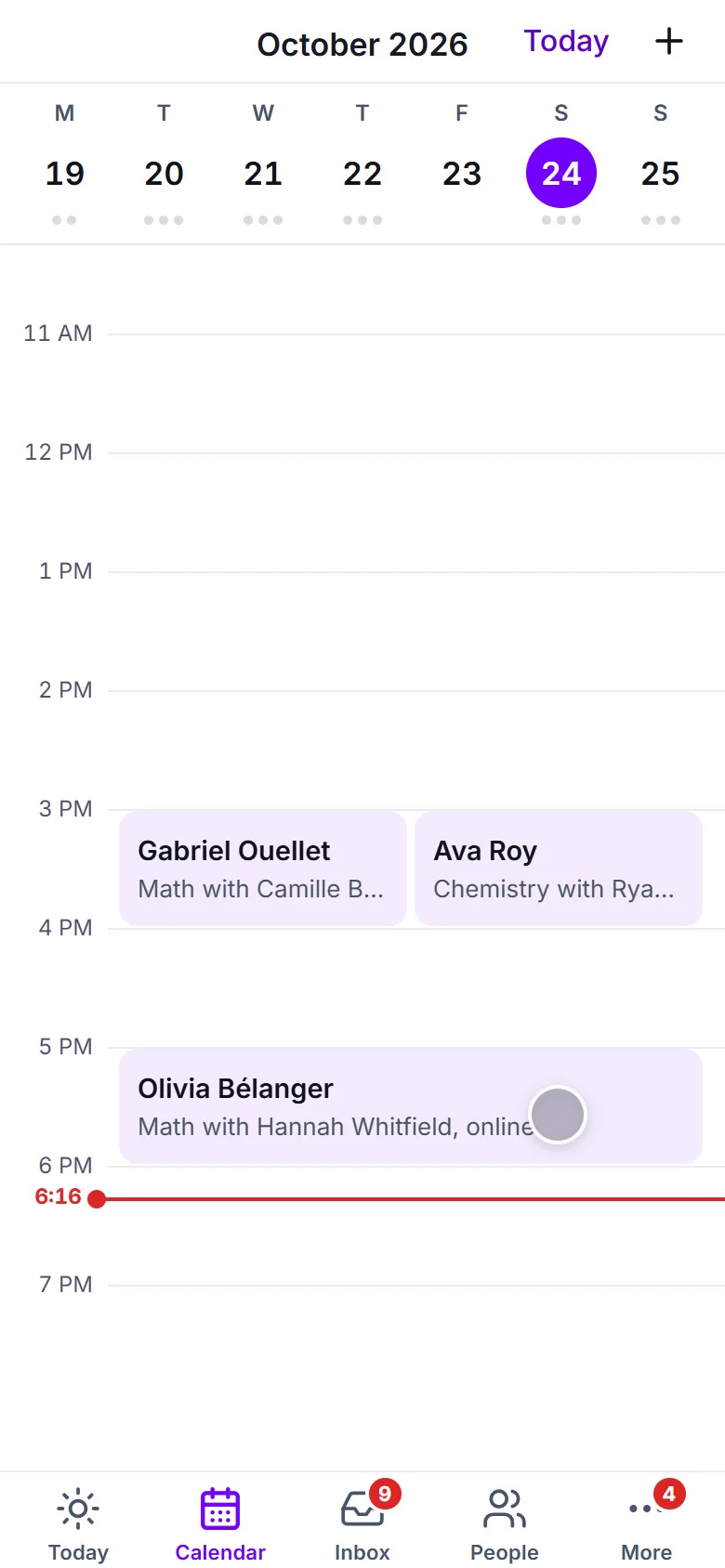
Book from the calendar or from a student’s profile: pick tutor, date, time and length. Group sessions carry several attendees; programs generate their whole schedule of occurrences at once. Families can also self-book from their portal within each tutor’s availability.
Booking never charges anyone by itself. Credits are consumed when a session is completed, and invoicing follows the billing mode you chose for the student.
Meeting links
Each session carries one link, shared by everyone: the family sees it in the portal and in reminders, the tutor in their schedule. The link is chosen in this order:
- A link typed directly on the session always wins.
- With the Zoom integration connected (Settings, then Integrations), a Zoom meeting is created automatically on your account. See the Zoom guide.
- Otherwise, the tutor’s own default meeting link from their profile is used, which is how Google Meet and Microsoft Teams rooms work.
Didn’t find what you need?
Support is included with every plan. Write to us and a human replies.
Contact support