


Add tutors and your team
Create tutor profiles, set availability, and invite admins to help run the workspace.
Some of our centres
 Centre de Francisation et de Tutorat au Québec
 Coeur de Tuteur
 Lingua Franca Institute
 Mentors Éducation
 OnCourse Education
 Top Tutorat
 Tuteur Match
 Tutorat au Top
Tutors
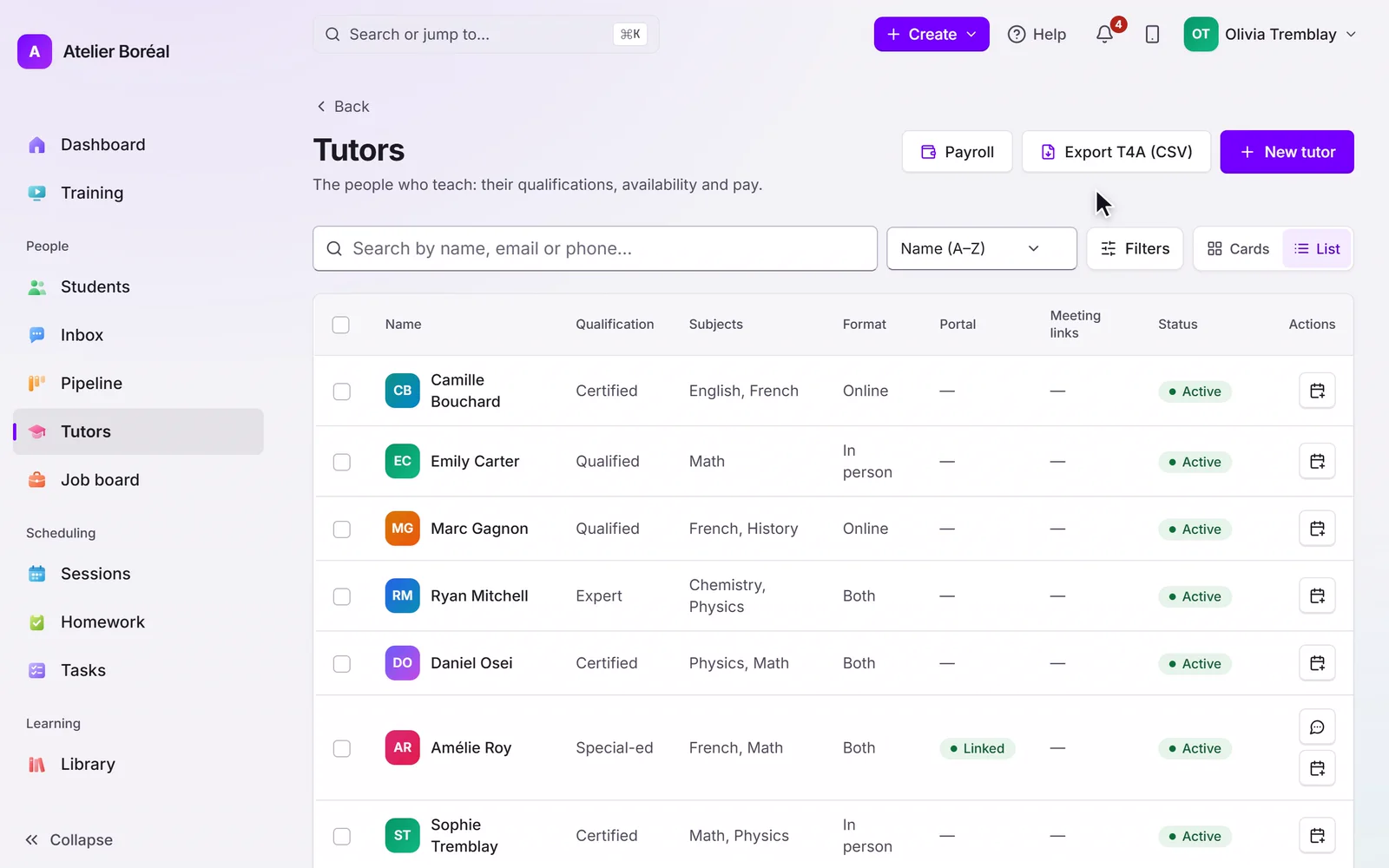
Open Tutors, then New. First name, last name and email are required, and the email must be valid: it becomes the tutor’s contact record and, later, their portal invitation. Add subjects, levels and an hourly rate (the rate is what you pay the tutor; it is never shown to families).
Each tutor can also carry a default meeting link (their personal Zoom, Google Meet or Microsoft Teams room), used for their sessions when no link is generated automatically.
Availability
Tutor availability drives which slots families can book in the portal. By default tutors manage their own weekly availability from their calendar. Prefer to keep that under admin control? Turn off Tutors manage their own availability in Settings, then Automations.
Inviting the team
Invite a tutor to their own portal from their profile page. Add workspace administrators under Settings, then Team: they receive an activation email and sign in with their own account.
Didn’t find what you need?
Support is included with every plan. Write to us and a human replies.
Contact support