


An AI assistant for your tutoring centre that answers from your own records, in 2 languages.
Ask in plain words who owes what, how last month went or when a tutor is free. Ask Pillar reads your centre’s own records, prepares the change you ask for, and does nothing until you click Do it.
Measure it How healthy was your centre’s month? Score it on the free scorecard. ›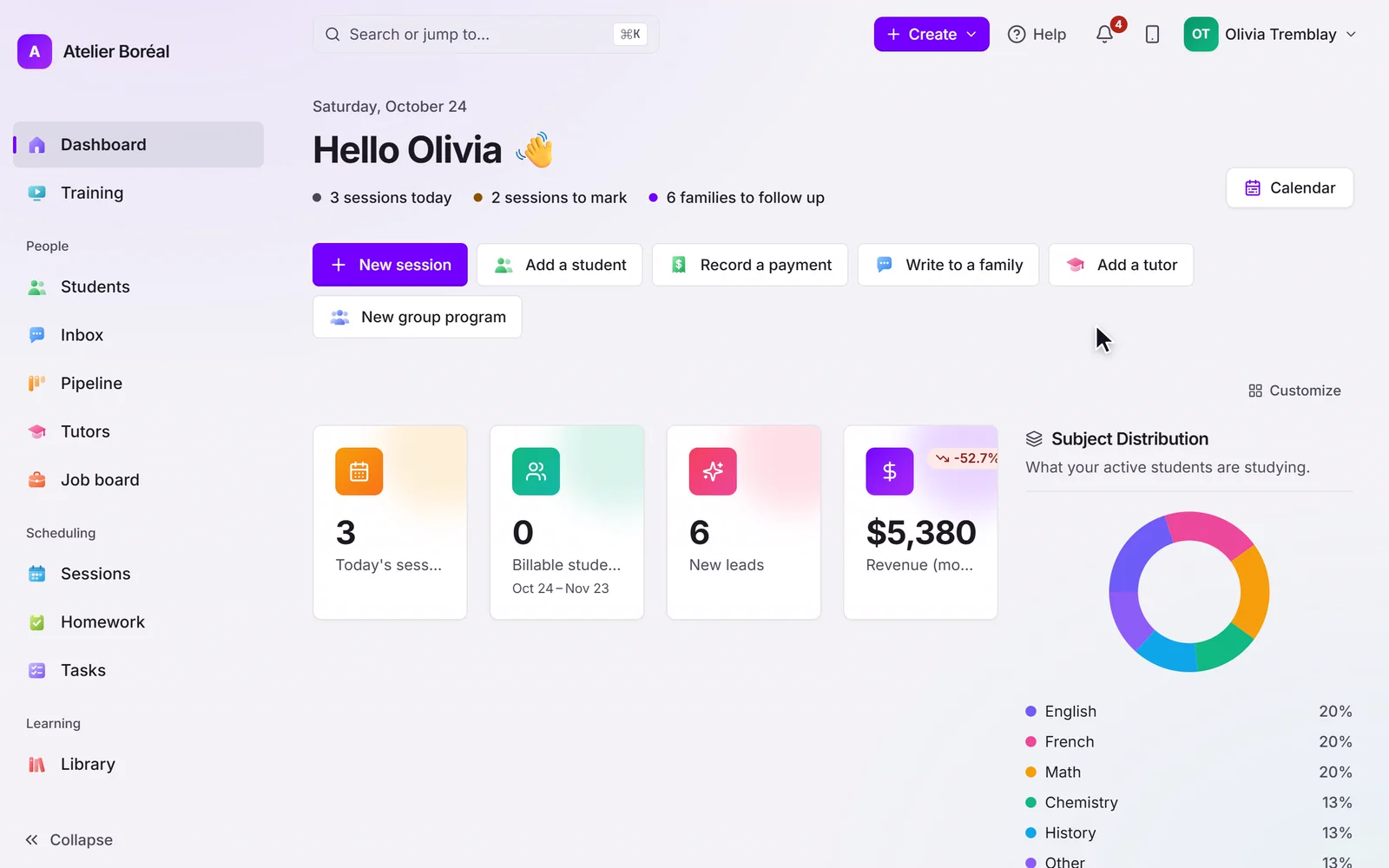
Some of our centres
 Centre de Francisation et de Tutorat au Québec
 Coeur de Tuteur
 Lingua Franca Institute
 Mentors Éducation
 OnCourse Education
 Top Tutorat
 Tuteur Match
 Tutorat au Top
Why a simple question takes so long to answer
Who hasn’t paid for October? Which tutor is free Thursday after school? Was last month better than September? Every answer already exists in your records, spread across the calendar, the invoices and the payroll. Finding it means opening each screen, filtering, and adding up by hand, so the question waits until someone has the time.
Work out your own numberAsk your centre a question, and get the answer from its own records.
Answers from your records
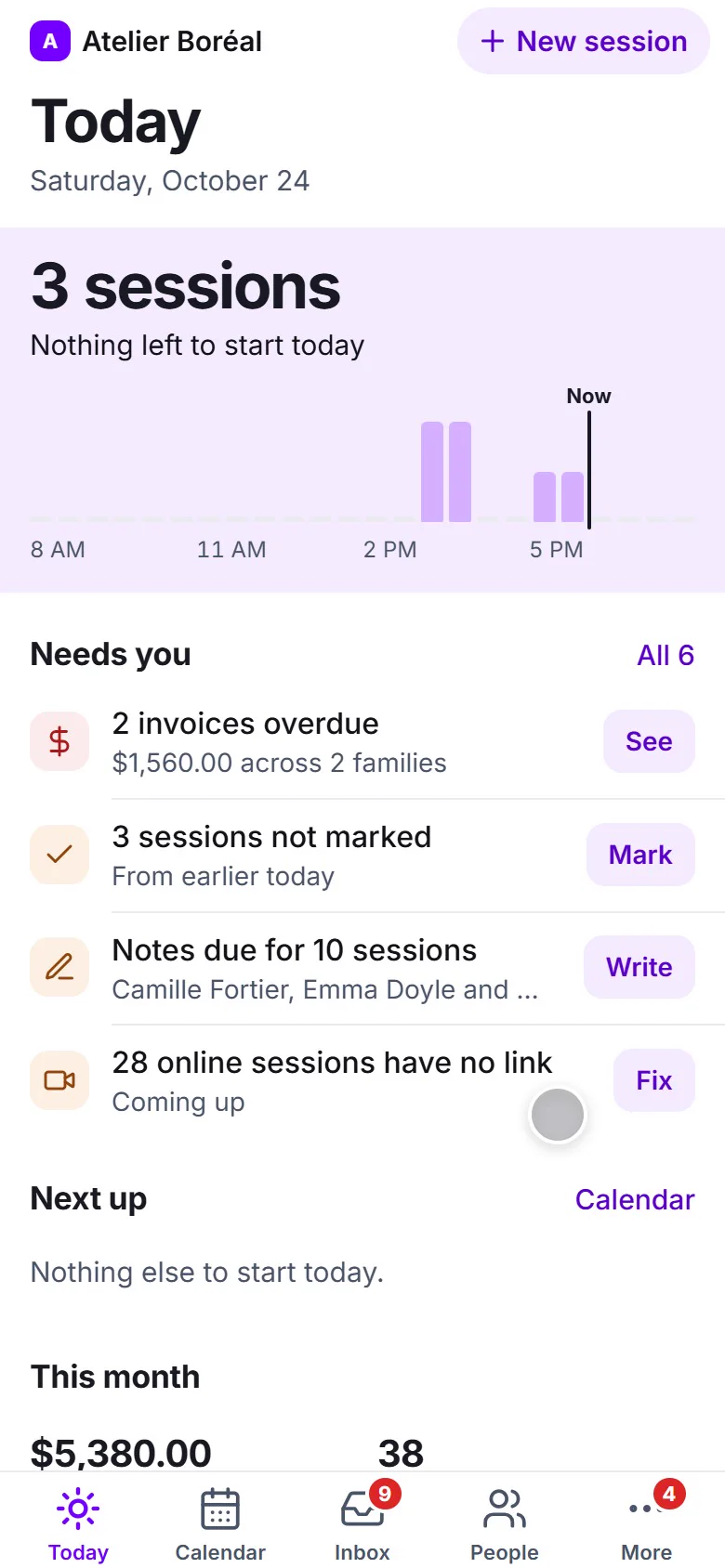
Today’s lessons, who owes what, revenue, payroll, attendance and a tutor’s open times, read from your centre’s own data.
Changes wait for your click
Book or move a lesson, add a note, write to a family: each change shows as a card, and nothing happens until someone clicks Do it.
“How do I…?” answered
Ask how to do anything in Pillar and get the steps, with a link that opens the exact setting, highlighted.
Bring ChatGPT or Claude
Connect the AI app your team already uses. It works in your centre only, with your permissions.
The numbers come from the database, not from the AI
Ask Pillar never does arithmetic in its head. Revenue by month, hours by tutor, attendance, what each family owes: the totals are computed from your records in the database, and anything left over goes through a calculator that returns the exact result. The AI writes the sentence around the numbers. It answers in English or French, whichever you ask in, from a side panel next to Help or from a full page where your conversations are kept.
It prepares the change. You decide.
Ask it to book a lesson, move one to Friday at 4, mark one done, add a note, create a task, write to a family, or set up an offering, a course or a job posting. Pillar builds a card that says exactly what will happen, with the real names, the days and your own cancellation rule, and refuses on the spot if something is wrong: a clash, a day already gone, a subject you don’t offer. Nothing happens until a person clicks Do it. Sending a message, cancelling a lesson and publishing an offering or a job always wait for approval.
Ask how Pillar works, and land on the right setting
How-to answers come from Pillar’s Manual, a page for every screen and setting written from the product itself. Ask Pillar gives the steps and a link that opens the screen with the setting highlighted. When Pillar can’t do something, it says so plainly, and gives the way around it when there is one. We tested it on 996 realistic how-to questions before release: 96% of the answers were good, and each miss became a fix to the Manual.
Already use ChatGPT or Claude? Connect it.
If your team works in ChatGPT, Claude or another AI app that accepts an MCP address, connect it from Settings › Pillar AI. You sign in to Pillar, choose the centre, and see what you are allowing. Your AI can then read your centre and prepare changes the way Ask Pillar does, in that one centre only. Sends, cancellations and payment reminders still wait for your approval in Pillar, and Disconnect ends the connection at once. A connected AI adds nothing to your Pillar bill: your AI plan’s own limits apply.
Locked to your centre, and you stay in control
Ask Pillar is for owners and admins, and it follows each person’s permissions: an admin who can’t see billing gets an AI that can’t either. Every AI is bound to one centre, and a rule in the database itself stops it from reading any other centre. It doesn’t answer questions about how people use Pillar, or about other customers. The owner turns Pillar AI on or off in Settings › Features, and it never sees or touches a section you have switched off. Conversations are private to the person who had them and are deleted 90 days after the last message. Ask Pillar is billed by use with Pillar’s other AI features, under a monthly limit the owner sets.
It keeps working when nobody is watching.
- Nothing changes without a click
Every change Ask Pillar prepares waits on a card until a person clicks Do it, and sends, cancellations and publishing always wait for approval.
- Switched-off sections stay off
The AI never sees or touches a part of Pillar the owner has switched off in Settings › Features.
- The monthly limit holds
Pillar warns at 80% of the owner’s monthly limit, and at 100% Ask Pillar stops before the next question until the month turns or the owner raises it.
Explore the rest of the platform
Scheduling & booking
Cut no-shows and give your front desk their afternoons back.
Learn more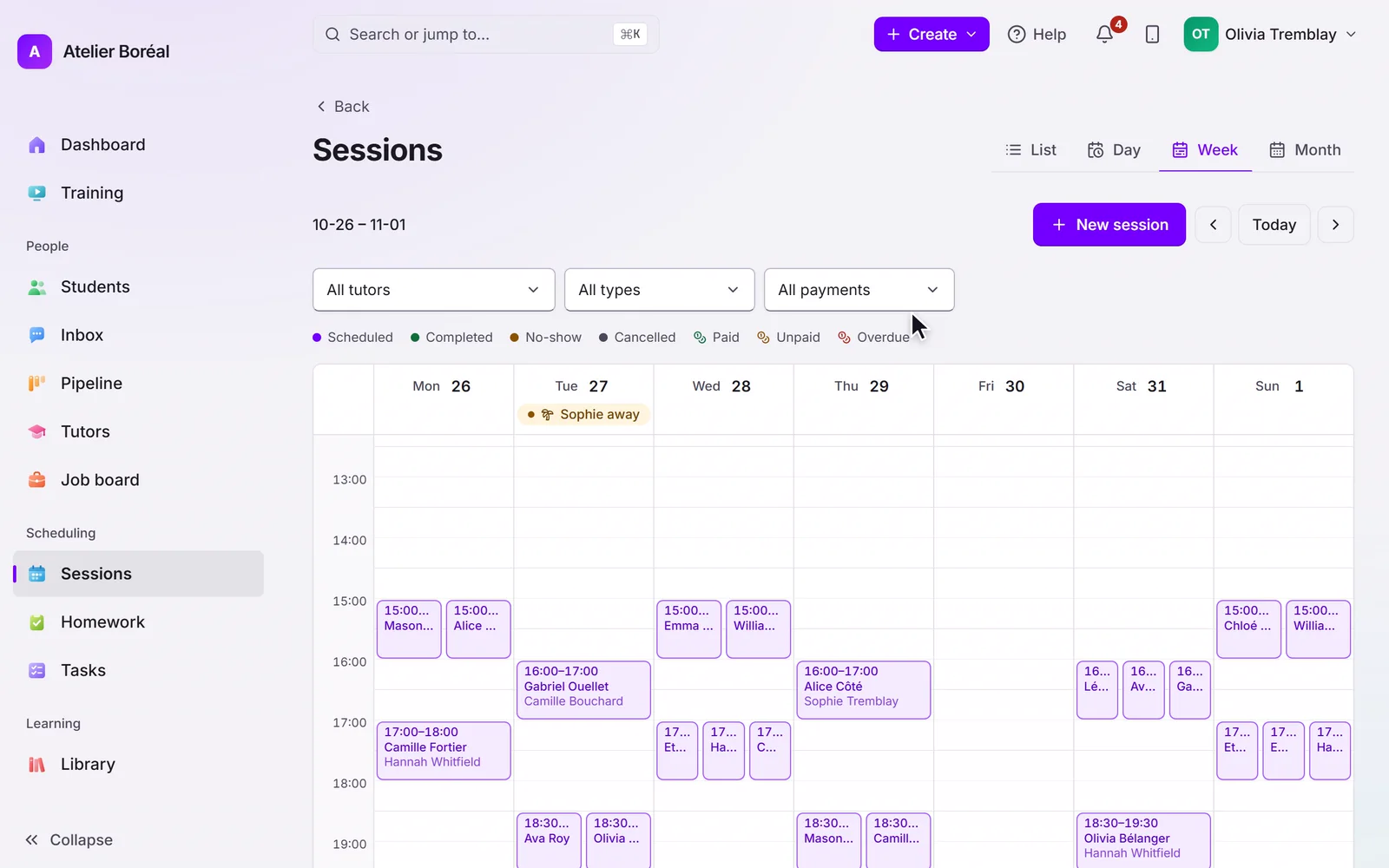
Billing & payments
Stop chasing payments and closing the books by hand.
Learn more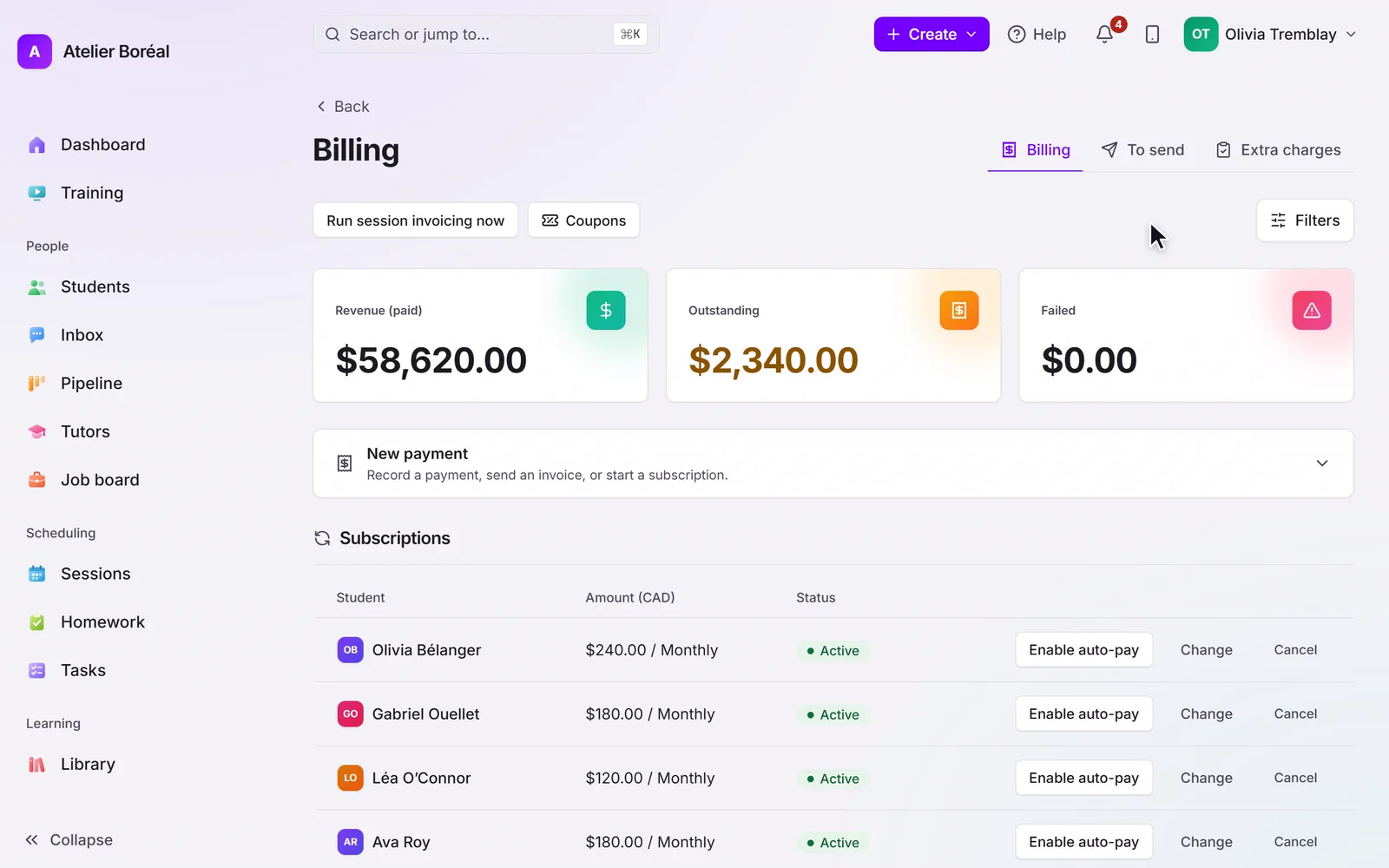
Parent & student portal
Give families a premium experience and win back staff hours.
Learn more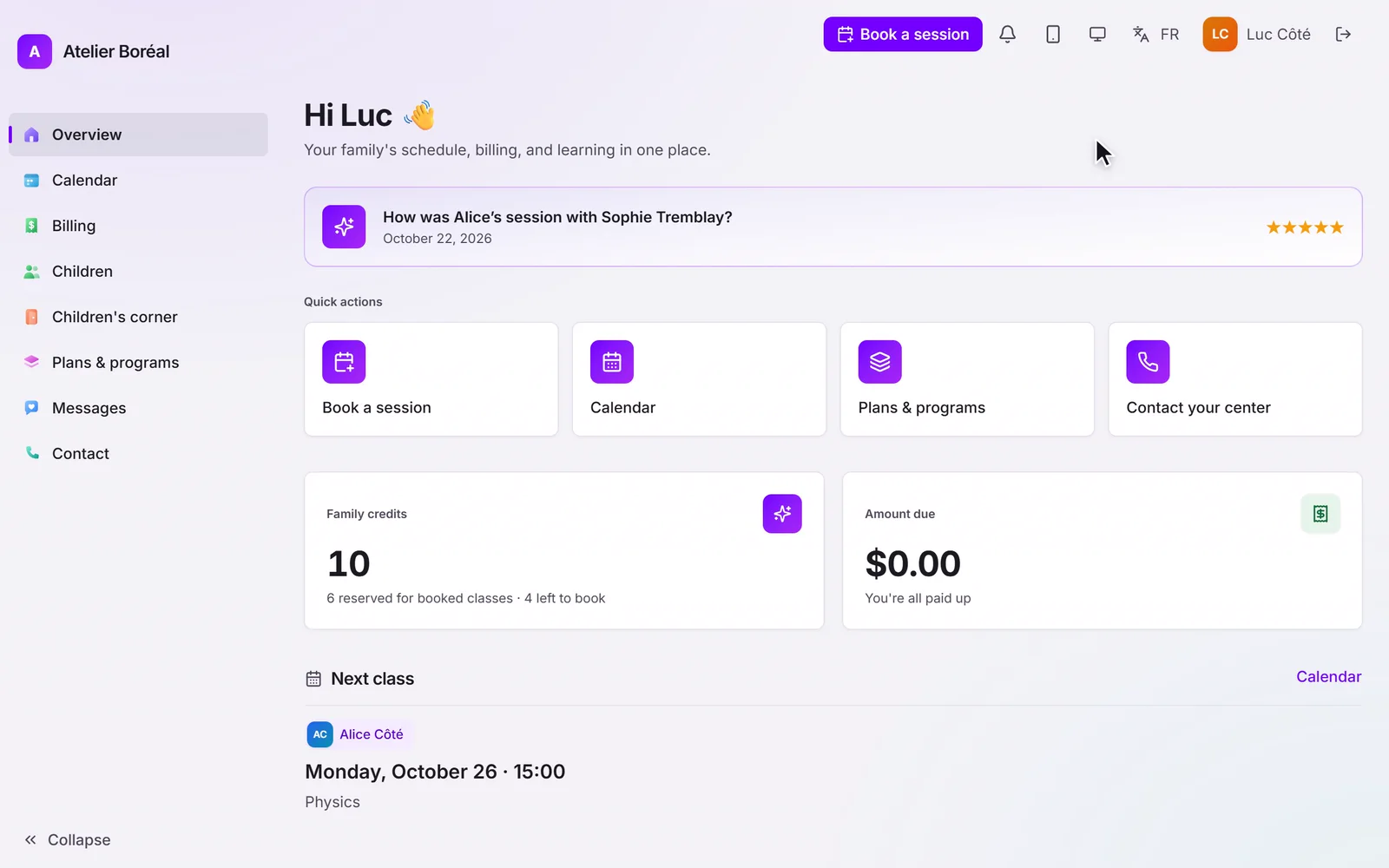
Tutor management
Deliver consistent quality without the assignment headache.
Learn more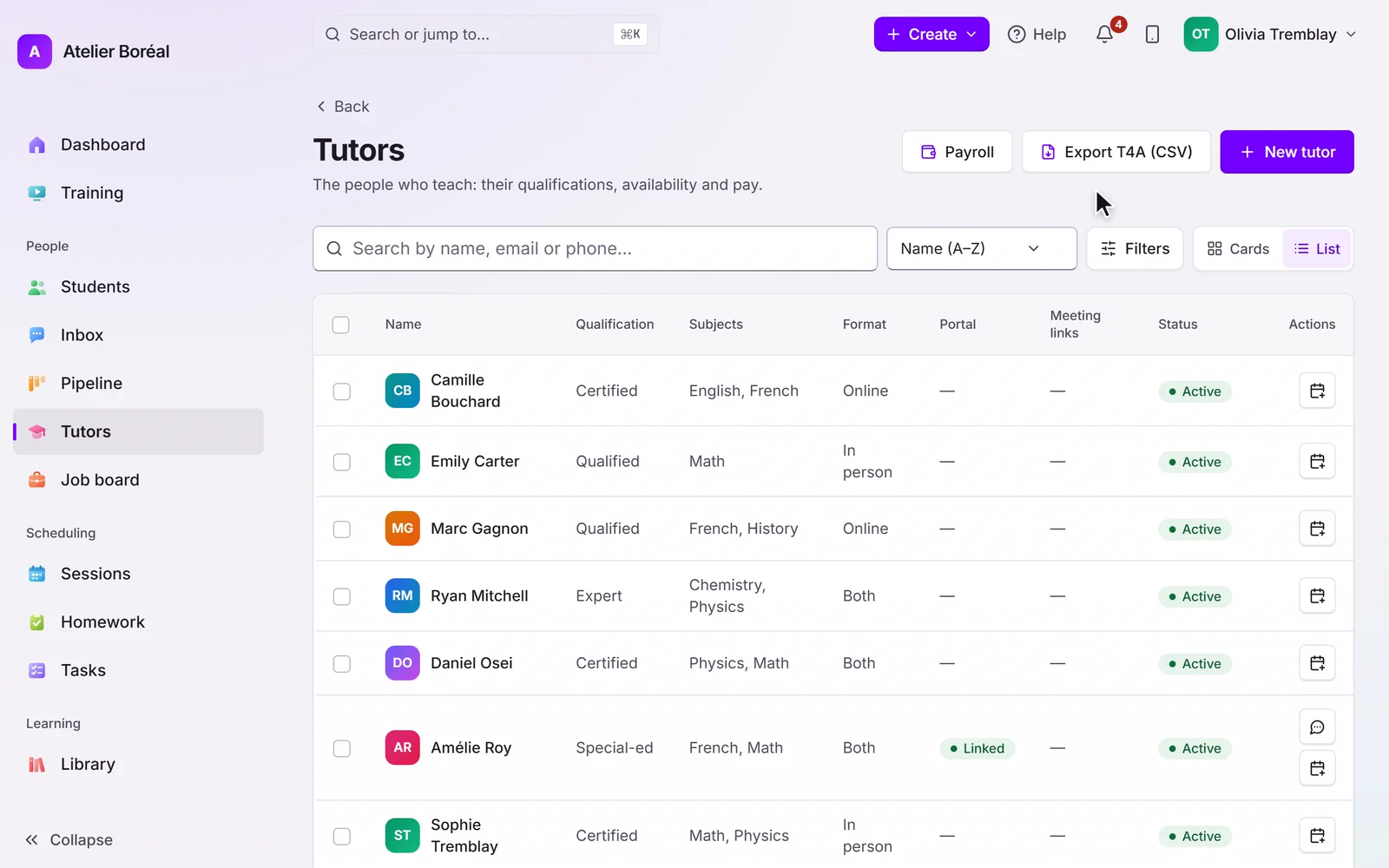
AI progress reports
Show value every week without adding hours of admin.
Learn more
Courses & library
Your teaching keeps working between sessions.
Learn more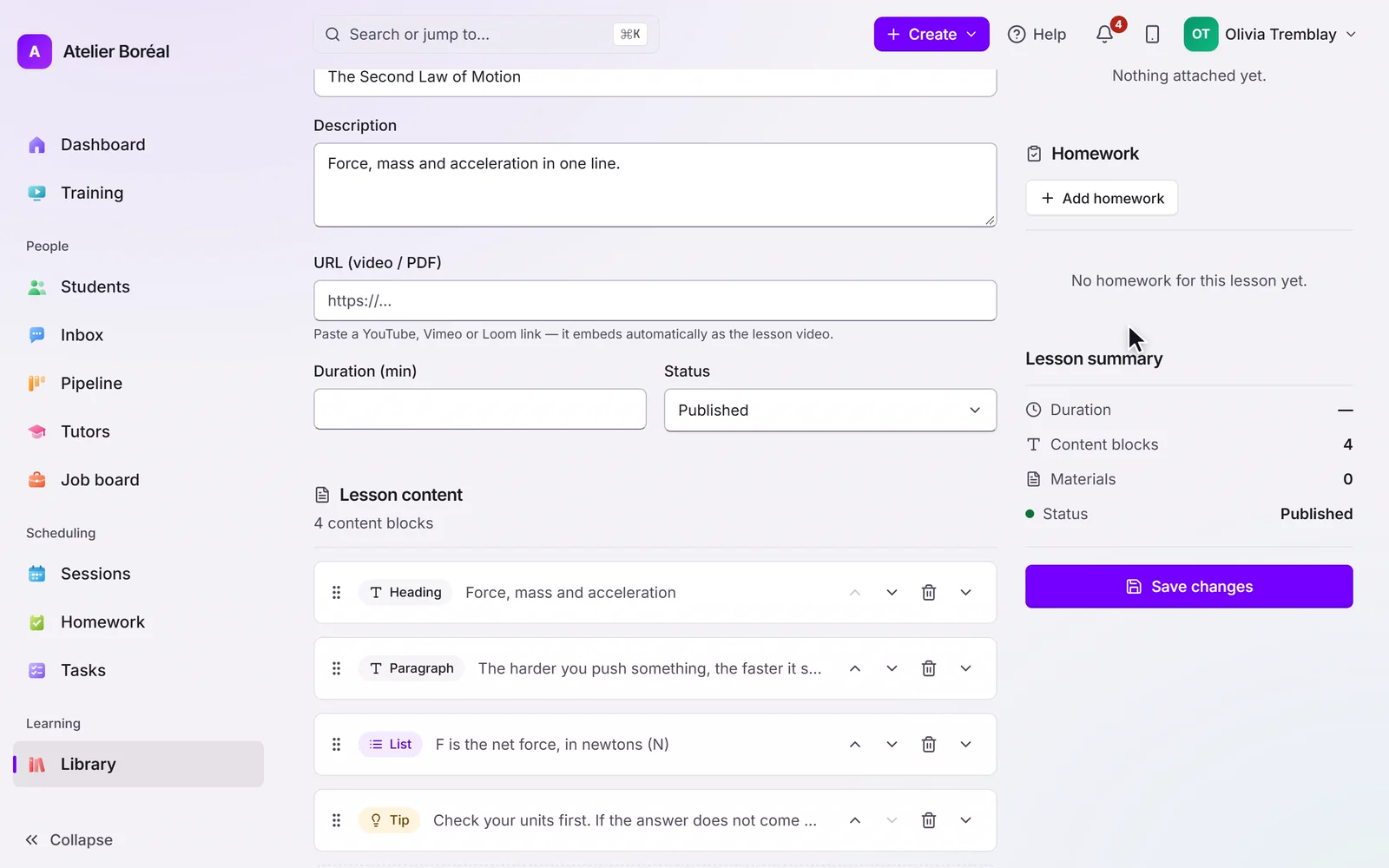
Homework
Practice between sessions, corrected before the next one.
Learn more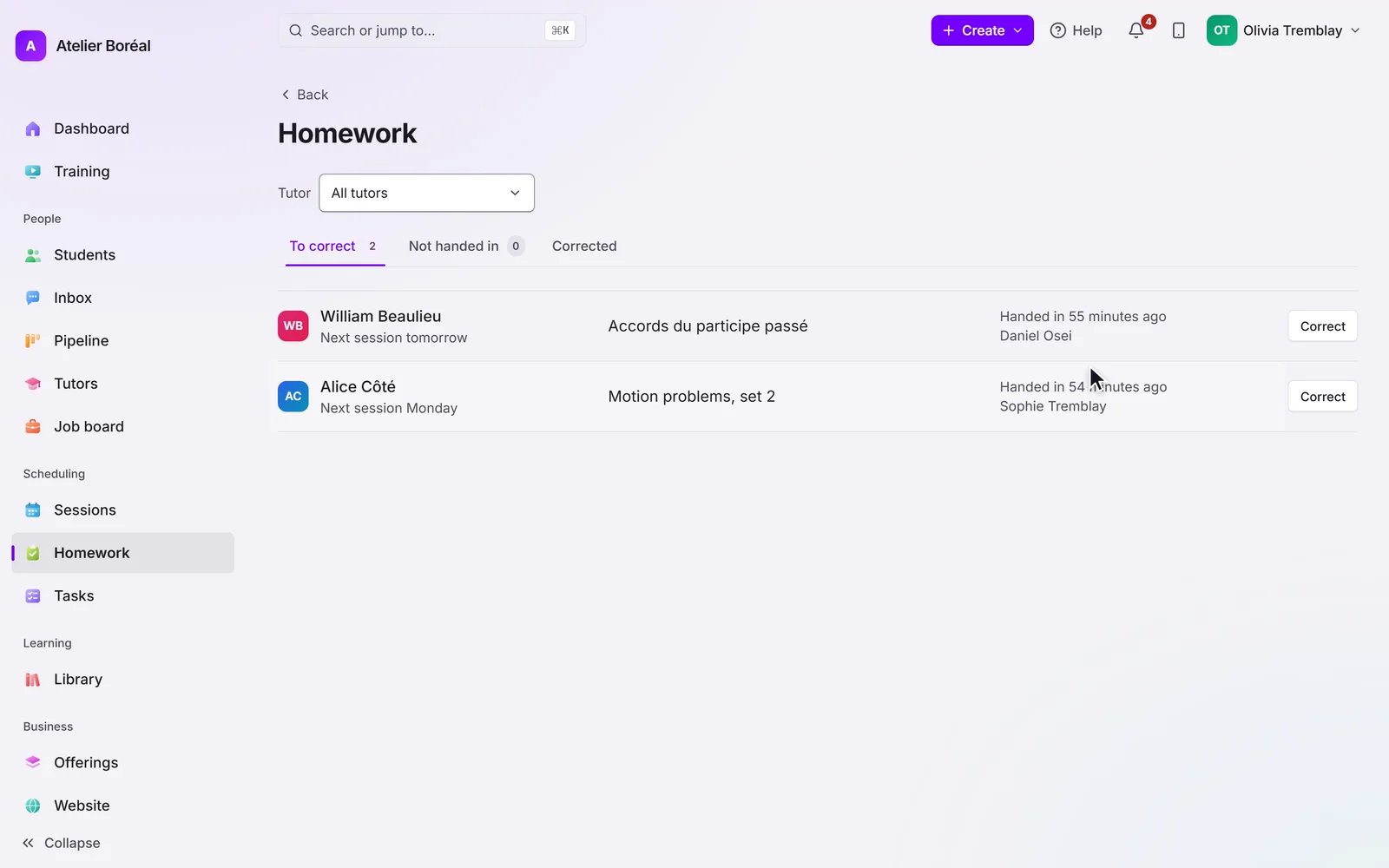
Community & messaging
Build the community that keeps families enrolled.
Learn more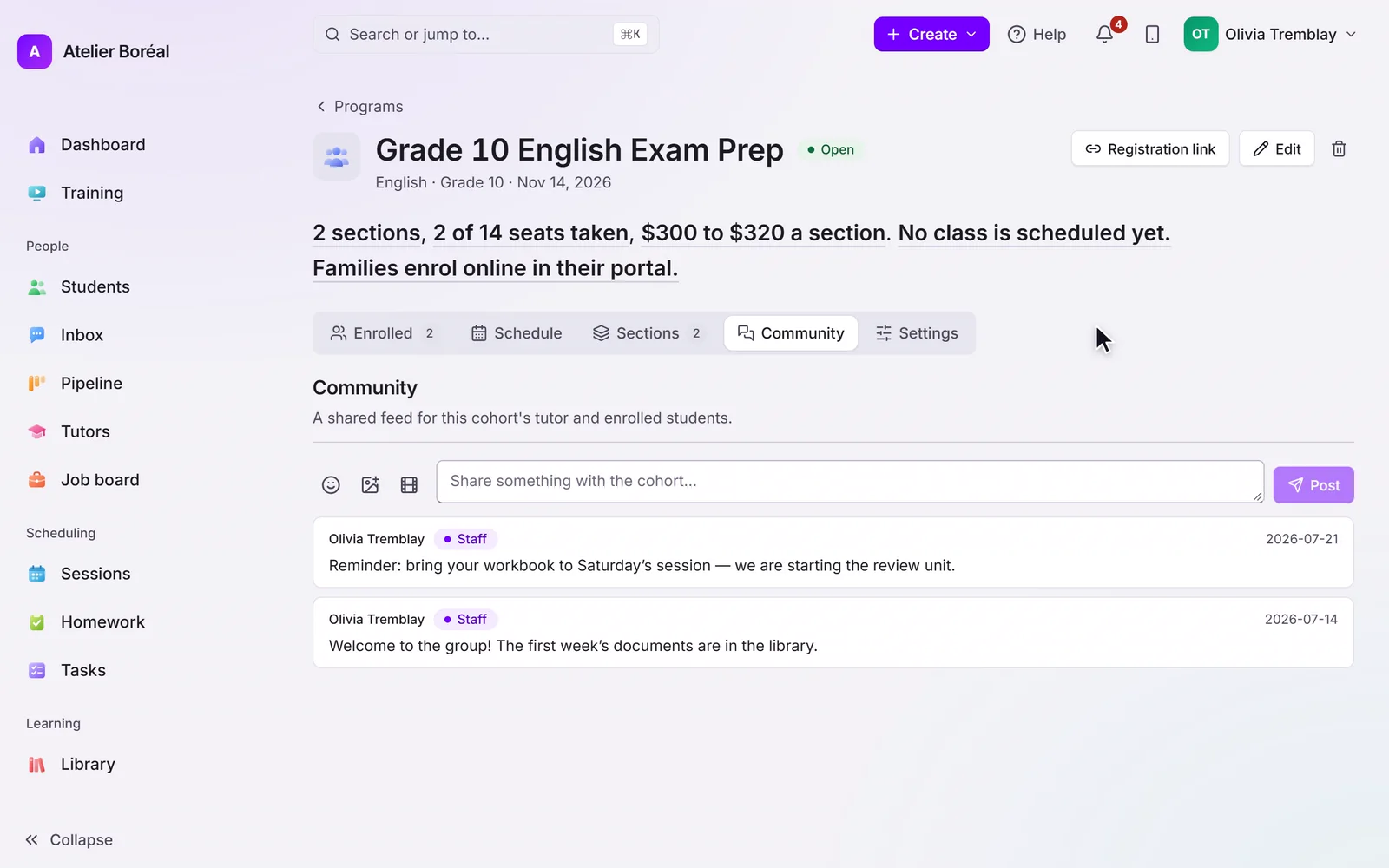
Ready to see Ask Pillar in action?
Free for 14 days, no card. We move your students, families and tutors across for you.
