


Invoices, payments and taxes
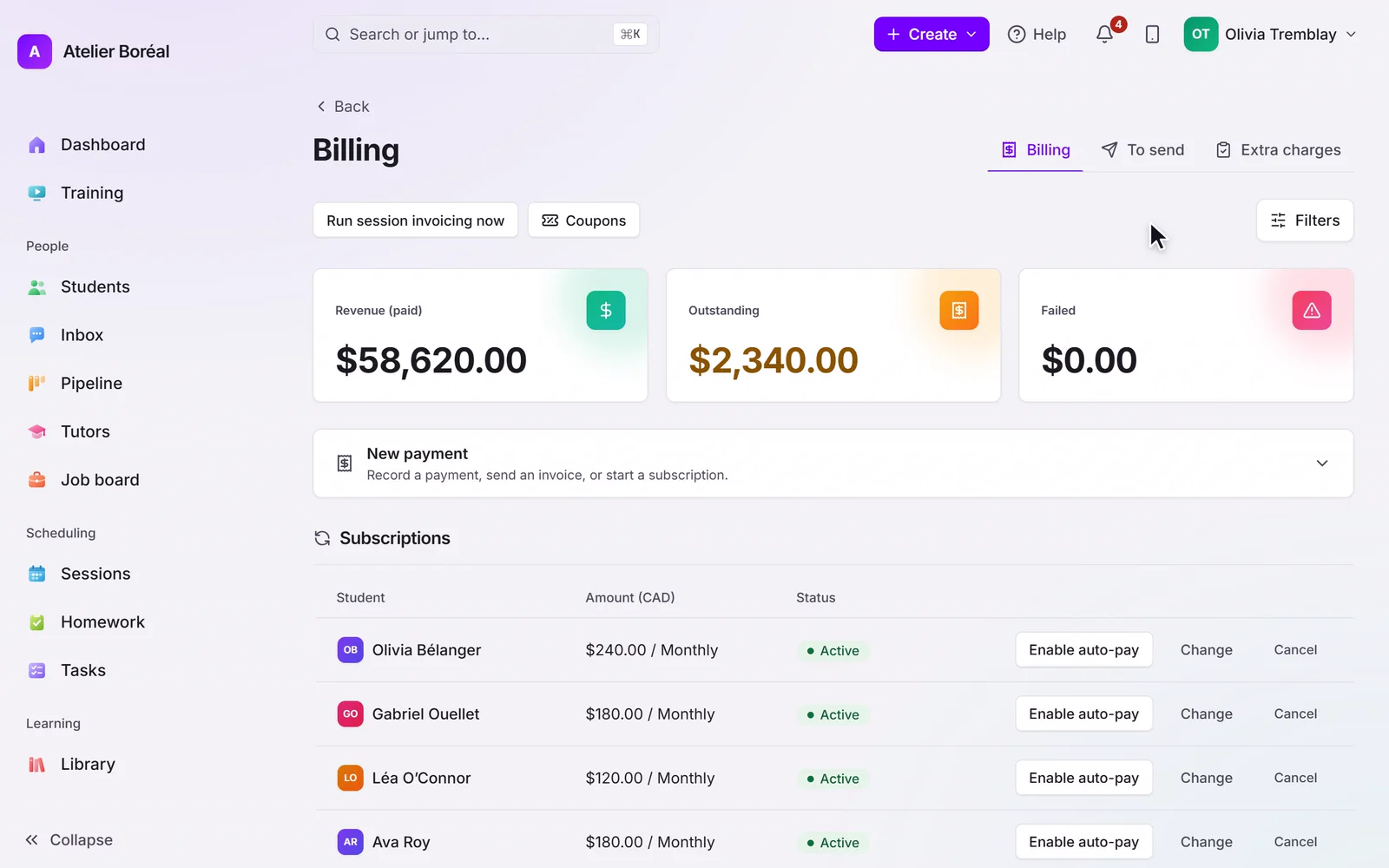
Branded invoices with online payment, offline methods, and how sales tax is calculated.
Some of our centres
 Centre de Francisation et de Tutorat au Québec
 Coeur de Tuteur
 Lingua Franca Institute
 Mentors Éducation
 OnCourse Education
 Top Tutorat
 Tuteur Match
 Tutorat au Top
The invoice a family receives
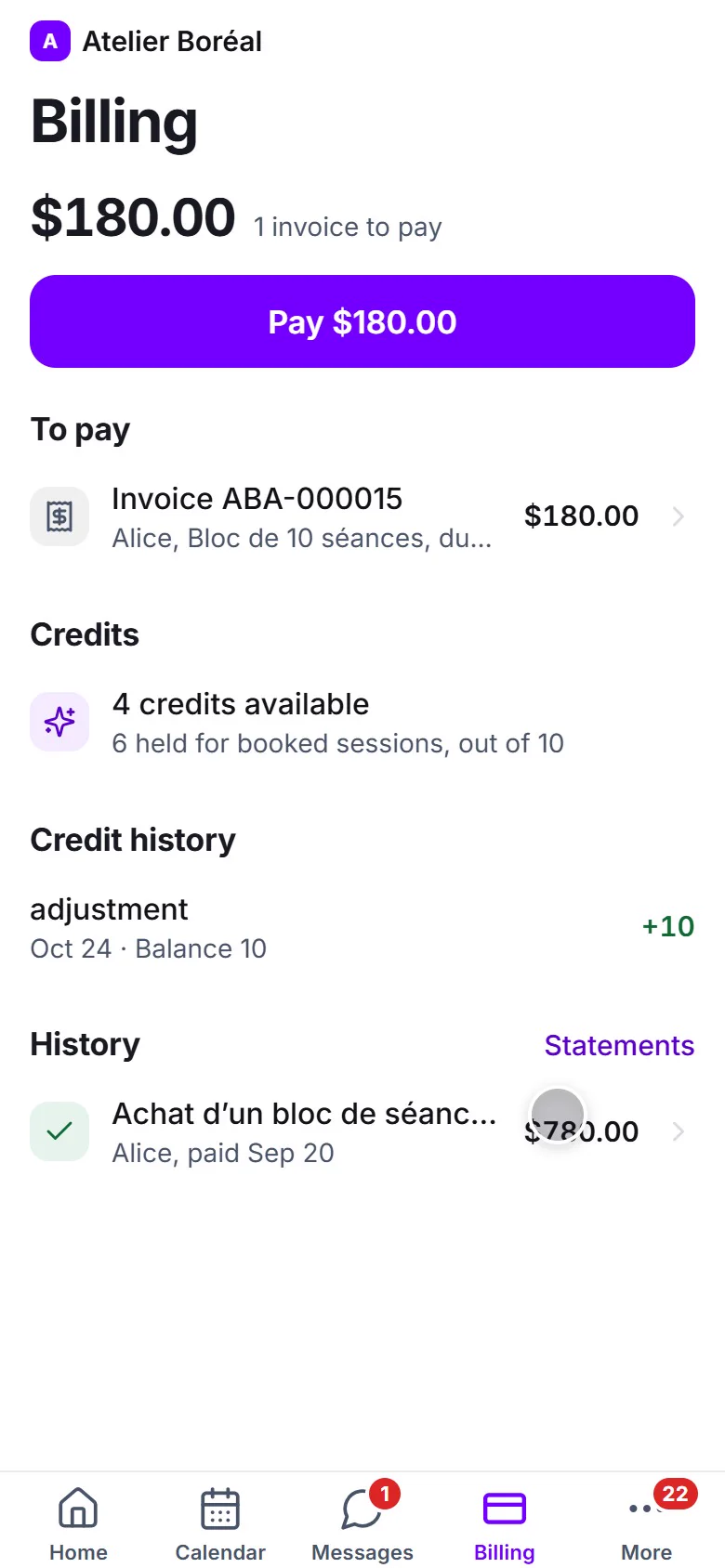
Invoices go out by email with your logo and an online payment link, in the family’s language. When the payment registers, everything follows on its own: credits are granted, the receipt goes out (if enabled), and the student’s record updates.
Offline payments
Families who pay by cash or bank transfer are handled with Mark as paid on the payment. It behaves exactly like an online payment: same credits, same receipt, same records.
Taxes
Sales tax is calculated from the student’s address once your tax category is configured, so families in different provinces are taxed correctly. Enter your GST and QST registration numbers in Settings, then Compliance: they print on every invoice, as registrants must. For the full list of what a client can ask an invoice to show, see our guide to tutor invoicing and billing.
Program invoices hold the seat
Enrolment invoices reserve the student’s seat when sent and confirm it when paid. An unpaid enrolment releases its seat instead of blocking the program.
Didn’t find what you need?
Support is included with every plan. Write to us and a human replies.
Contact support