

The tutoring business software stack, explained (2026)
The five jobs your software has to cover, what breaks when one is missing, and how to tell whether your tools or the gaps between them are eating your week.
Some of our centres
 Centre de Francisation et de Tutorat au Québec
 Coeur de Tuteur
 Lingua Franca Institute
 Mentors Éducation
 OnCourse Education
 Top Tutorat
 Tuteur Match
 Tutorat au Top

Your software stack quietly decides how much of your week goes to teaching and how much goes to being a data-entry clerk for your own business. Most owners never chose a stack. They accumulated one, a tool at a time, each added to solve a fire that was burning that particular month.
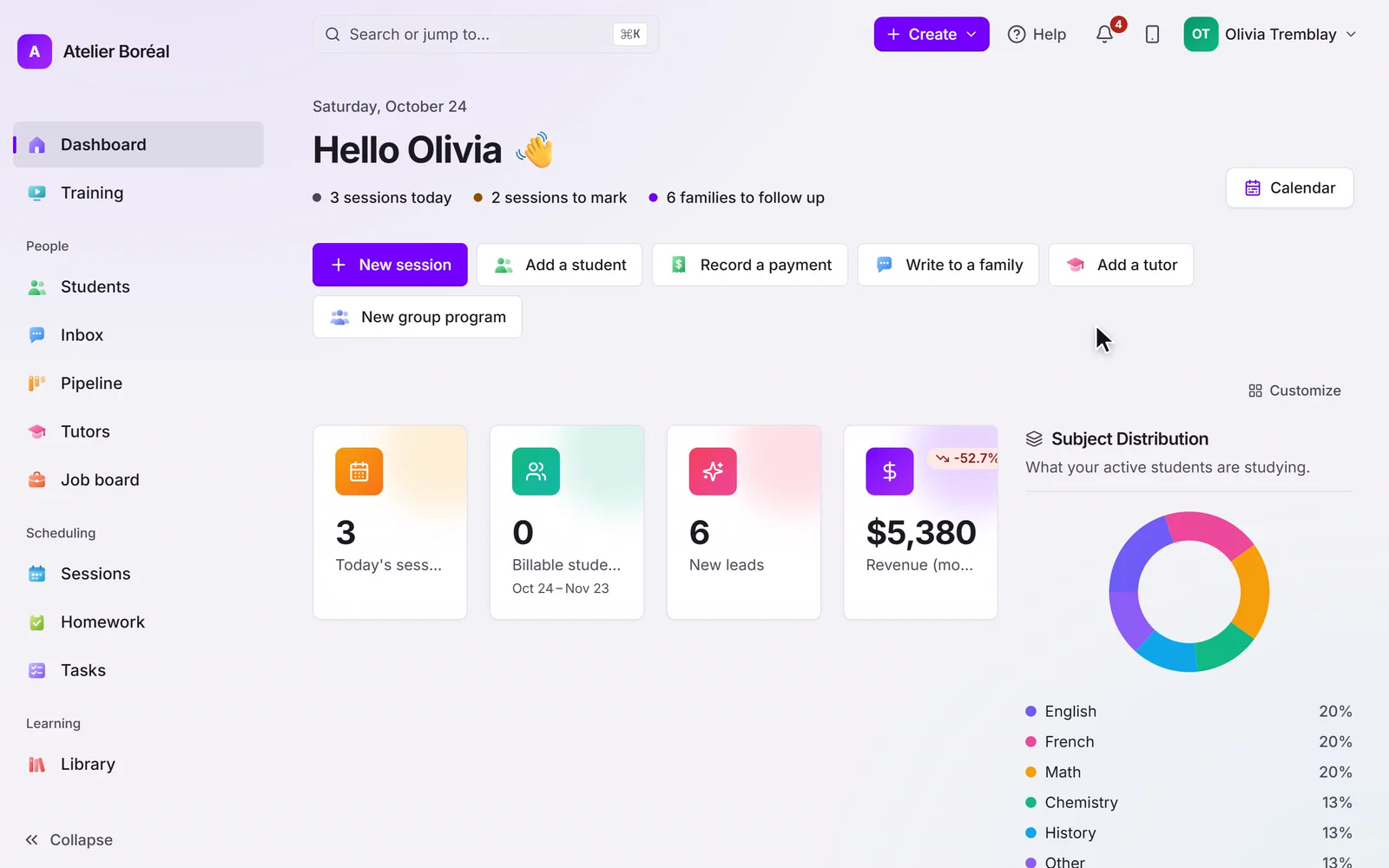
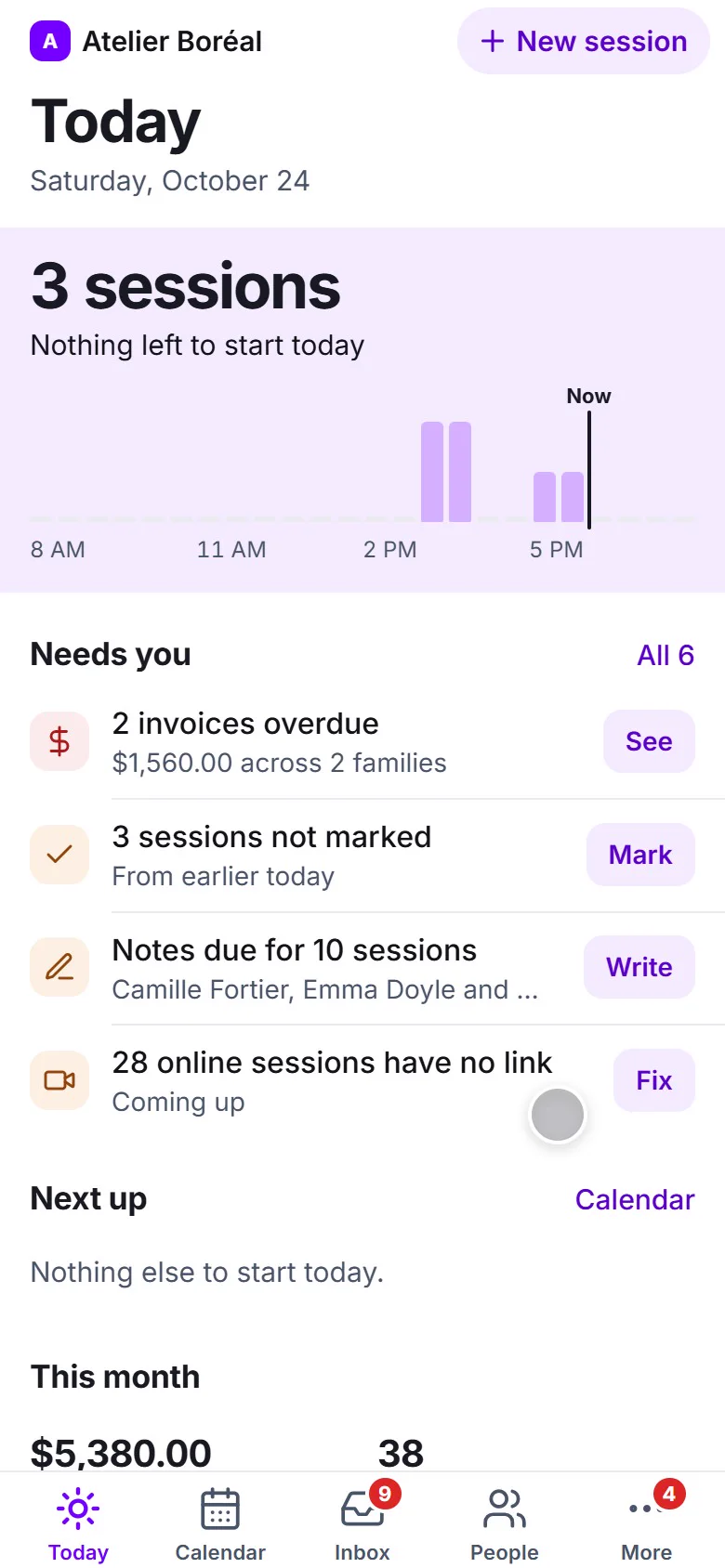
So here’s the map: the five jobs the software has to cover, and what actually breaks when one of them is missing.

The five jobs
| The job | What it covers | What breaks without it |
|---|---|---|
| Scheduling and booking | Group classes, 1-on-1s, recurring sessions, family self-booking | You become the calendar. Every change routes through your phone |
| Billing and payments | Invoices, packs, subscriptions, reconciliation | Revenue leaks in small amounts you won’t notice for months |
| Family experience | A portal for schedules, payments, progress | Parents ask you things a screen could have answered |
| Team and operations | Tutor availability, assignment, payroll-ready hours | Payroll becomes an evening of detective work |
| Growth | A CRM to capture leads and convert them | Leads sit in an inbox cooling off |
You can absolutely assemble these from five separate tools. Plenty of good businesses do, and for a while it’s genuinely fine.
The problem is never the tools. It’s the seams
Every tool on that list is probably decent at its own job. The trouble lives in the gaps between them:
- A booking doesn’t create an invoice.
- A payment doesn’t tell the CRM anything.
- A completed session doesn’t turn into a parent update.
- A new tutor’s availability doesn’t reach the scheduler.

Each of those gaps gets filled by a person. Usually you, usually at 9pm, usually by copying something from one browser tab into another. That’s not a workflow, it’s a human API, and human APIs have a bad error rate around week three of a busy term.
Two symptoms tell you the seams have started costing more than the software:
There’s a load-bearing spreadsheet. Every stitched-together stack eventually grows one spreadsheet that secretly holds the business together, that only one person fully understands, and that nobody wants to touch on vacation.
Billing questions arrive in the group chat. When a parent asks about an invoice in the same thread used for “session moved to 5pm,” you’ve learned that families don’t experience your five tools as five tools. They experience them as you, being slow.
What to look for in an all-in-one
If you do consolidate, these are the things that actually matter, as opposed to the things that demo well:
- One source of truth. Students, sessions, and payments reference the same records, not three copies that drift apart.
- Automation across the seams. Booking to billing to reporting should flow without a copy-paste step. This is the whole reason to consolidate; a suite of separate modules that don’t talk is just five tools with one invoice.
- A portal that looks like your business. Families should feel like they’re dealing with you, not with a vendor you rent.
- CRM connectivity. Leads and payments should sync with whatever you market from, so sales and delivery aren’t two separate realities.
- An honest migration path. Ask directly who moves your existing students, packages, and balances, and what happens to history. Vague answers here are expensive later.
When point tools are still the right call
If you’re an independent tutor with a handful of students, a calendar and a payment link are genuinely enough. Consolidating would be a project with no payoff. Don’t buy a platform to solve a problem you don’t have yet.
The tipping point is almost always staff plus volume. The moment you have tutors to coordinate and dozens of families to bill, which is the point most tutoring centres reach, the seams start costing more than any software would. That’s usually the month payroll takes a full evening, or the month you discover an unpaid balance from six weeks ago.
The bottom line
Do two counts this week. Count the tools you pay for. Then count the hours you and your team spend moving data between them.
The second number is the real cost of your stack, and it’s the one nobody puts on a budget line. For most tutoring businesses past the solo stage, consolidating lowers both numbers at once, which is a rare thing for a software decision to do.
If you want to see all five jobs in one system, tour the platform. If you’re currently pricing a stack against a single tool, the comparison table lays it out capability by capability, and pricing is public. Two specific pieces worth their own read: how you package sessions and why families miss sessions.

Steven Kallini · Founder
Mechanical engineer by trade, hooked on computers since he was a kid, and a principal process engineer for 13 years before Pillar OS. That job was finding where a process quietly leaked time and money, then designing the fix. Pillar OS is the same work, aimed at the admin that eats a tutoring owner’s week.
